Purging queues in RabbitMQ
With RabbitGUI, you have two ways to purge a queue.
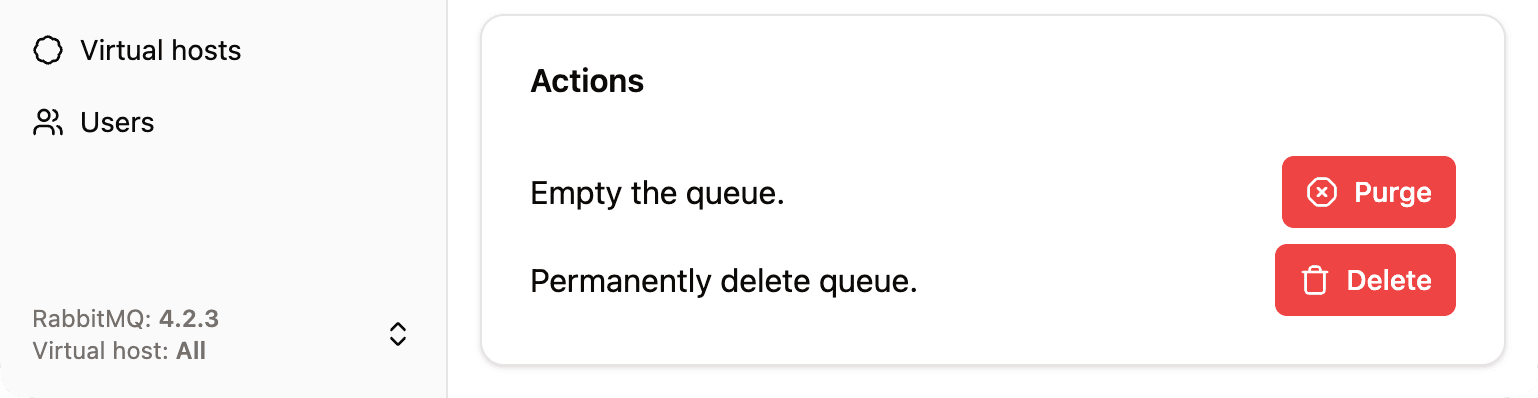
Open the queue and go to the Settings tab. There you will find the action to purge that queue and remove all messages it currently holds.
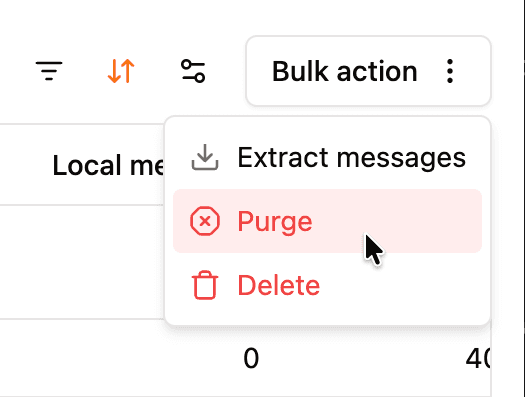
Alternatively, from the Queues list, select one or more queues using the checkboxes, then open Bulk action and choose Purge. This lets you empty several queues in one step without opening each queue individually.