RabbitMQ Docker setup
Run RabbitMQ with the management plugin enabled:
docker run -d \
  --name rabbitmq \
  -p 5672:5672 \
  -p 15672:15672 \
  rabbitmq:management
The connection string is amqp://localhost:5672. Port 5672 is used by client libraries and 15672 by the management UI, see RabbitMQ ports explained for the full list.
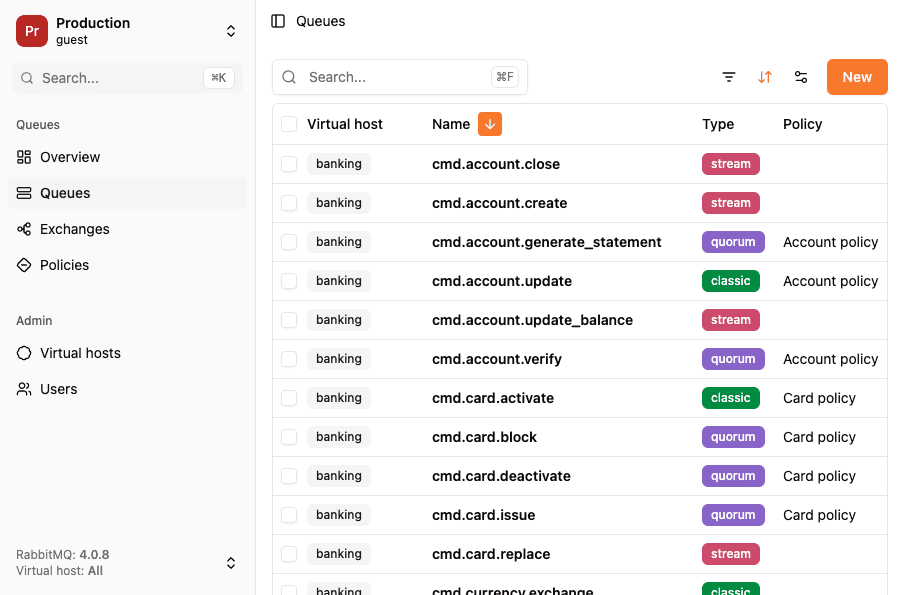
You can connect to your instance using RabbitGUI at http://localhost:15672 (guest/guest)
Docker compose setup for RabbitMQ
Create a docker-compose.yml file with custom credentials and persistent storage:
version: '3'
services:
  rabbitmq:
    image: rabbitmq:management
    container_name: rabbitmq
    ports:
      - "5672:5672"
      - "15672:15672"
    environment:
      RABBITMQ_DEFAULT_USER: user
      RABBITMQ_DEFAULT_PASS: password
    volumes:
      - rabbitmq_data:/var/lib/rabbitmq

volumes:
  rabbitmq_data:
The connection string is amqp://user:password@localhost:5672
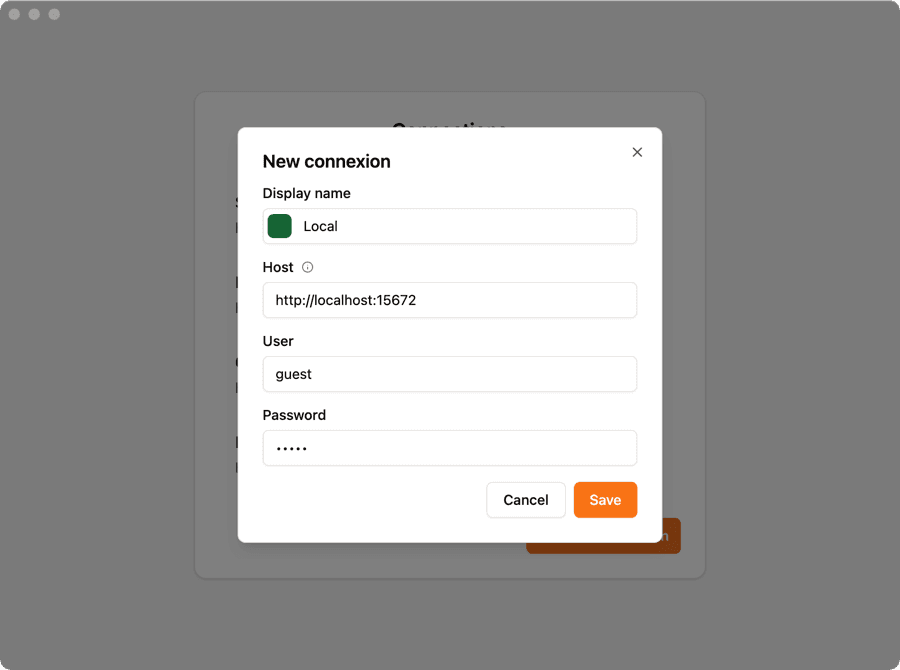
You can connect to your instance using RabbitGUI at http://localhost:15672 (user/password)
Installation in Java
Maven
Add the RabbitMQ Java client dependency to your pom.xml:
<dependency>
    <groupId>com.rabbitmq</groupId>
    <artifactId>amqp-client</artifactId>
    <version>5.20.0</version>
</dependency>
Gradle
Add the dependency to your build.gradle:
implementation 'com.rabbitmq:amqp-client:5.20.0'Producer example
You can publish directly to a queue using the basicPublish method:
import com.rabbitmq.client.Channel;
import com.rabbitmq.client.Connection;
import com.rabbitmq.client.ConnectionFactory;

public class Producer {
    public static void main(String[] args) throws Exception {
        ConnectionFactory factory = new ConnectionFactory();
        factory.setHost("localhost");

        try (Connection connection = factory.newConnection();
             Channel channel = connection.createChannel()) {

            channel.queueDeclare("my_queue", false, false, false, null);

            String message = "Hello RabbitGUI!";
            channel.basicPublish("", "my_queue", null, message.getBytes());

            System.out.println("Sent: " + message);
        }
    }
}
Consumer example
Your consumer can listen to messages from a queue using the basicConsume method:
import com.rabbitmq.client.*;

public class Consumer {
    public static void main(String[] args) throws Exception {
        ConnectionFactory factory = new ConnectionFactory();
        factory.setHost("localhost");

        Connection connection = factory.newConnection();
        Channel channel = connection.createChannel();

        channel.queueDeclare("my_queue", false, false, false, null);

        DeliverCallback deliverCallback = (consumerTag, delivery) -> {
            String message = new String(delivery.getBody(), "UTF-8");
            System.out.println("Message: " + message);
        };

        channel.basicConsume("my_queue", true, deliverCallback, consumerTag -> {});
    }
}
Exchanges examples
Direct
A direct exchange routes messages to queues based on exact routing key matches:
import com.rabbitmq.client.*;

public class DirectExchange {
    public static void main(String[] args) throws Exception {
        ConnectionFactory factory = new ConnectionFactory();
        factory.setHost("localhost");

        try (Connection connection = factory.newConnection();
             Channel channel = connection.createChannel()) {

            channel.exchangeDeclare("my_exchange", "direct");
            channel.queueDeclare("my_queue", false, false, false, null);
            channel.queueBind("my_queue", "my_exchange", "my.routing.key");

            String message = "Hello RabbitGUI!";
            channel.basicPublish("my_exchange", "my.routing.key", null, message.getBytes());

            DeliverCallback deliverCallback = (consumerTag, delivery) -> {
                String msg = new String(delivery.getBody(), "UTF-8");
                System.out.println("Message: " + msg);
            };

            channel.basicConsume("my_queue", true, deliverCallback, consumerTag -> {});
        }
    }
}
Fanout
A fanout exchange broadcasts messages to all bound queues, ignoring routing keys:
import com.rabbitmq.client.*;

public class FanoutExchange {
    public static void main(String[] args) throws Exception {
        ConnectionFactory factory = new ConnectionFactory();
        factory.setHost("localhost");

        try (Connection connection = factory.newConnection();
             Channel channel = connection.createChannel()) {

            channel.exchangeDeclare("my_exchange", "fanout");
            channel.queueDeclare("my_queue", false, false, false, null);
            channel.queueBind("my_queue", "my_exchange", "");

            String message = "Hello RabbitGUI!";
            channel.basicPublish("my_exchange", "", null, message.getBytes());

            DeliverCallback deliverCallback = (consumerTag, delivery) -> {
                String msg = new String(delivery.getBody(), "UTF-8");
                System.out.println("Message: " + msg);
            };

            channel.basicConsume("my_queue", true, deliverCallback, consumerTag -> {});
        }
    }
}
Topic
A topic exchange routes messages based on wildcard pattern matching (* for one word, # for zero or more words):
import com.rabbitmq.client.*;

public class TopicExchange {
    public static void main(String[] args) throws Exception {
        ConnectionFactory factory = new ConnectionFactory();
        factory.setHost("localhost");

        try (Connection connection = factory.newConnection();
             Channel channel = connection.createChannel()) {

            channel.exchangeDeclare("my_exchange", "topic");
            channel.queueDeclare("my_queue", false, false, false, null);
            channel.queueBind("my_queue", "my_exchange", "*.routing.*");

            String message = "Hello RabbitGUI!";
            channel.basicPublish("my_exchange", "my.routing.key", null, message.getBytes());

            DeliverCallback deliverCallback = (consumerTag, delivery) -> {
                String msg = new String(delivery.getBody(), "UTF-8");
                System.out.println("Message: " + msg);
            };

            channel.basicConsume("my_queue", true, deliverCallback, consumerTag -> {});
        }
    }
}
Message acknowledgements
Automatic acknowledgement
RabbitMQ will dequeue messages as soon as they've been sent down the wire.
channel.basicConsume("my_queue", true, deliverCallback, consumerTag -> {});Manual acknowledgement
Manually acknowledge messages after processing to ensure they are removed from the queue:
DeliverCallback deliverCallback = (consumerTag, delivery) -> {
    String message = new String(delivery.getBody(), "UTF-8");
    // Process message...
    channel.basicAck(delivery.getEnvelope().getDeliveryTag(), false);
};

channel.basicConsume("my_queue", false, deliverCallback, consumerTag -> {});
Reject and requeue
Reject a message and put it back in the queue for reprocessing:
DeliverCallback deliverCallback = (consumerTag, delivery) -> {
    String message = new String(delivery.getBody(), "UTF-8");
    // Process message...
    channel.basicNack(delivery.getEnvelope().getDeliveryTag(), false, true);
};

channel.basicConsume("my_queue", false, deliverCallback, consumerTag -> {});
Reject and do not requeue
Reject a message and discard it (sends to dead letter queue if configured):
DeliverCallback deliverCallback = (consumerTag, delivery) -> {
    String message = new String(delivery.getBody(), "UTF-8");
    // Process message...
    channel.basicNack(delivery.getEnvelope().getDeliveryTag(), false, false);
};

channel.basicConsume("my_queue", false, deliverCallback, consumerTag -> {});
Dead Letter Queues
Configure a queue with a dead letter exchange to catch rejected or expired messages:
import com.rabbitmq.client.Channel;
import com.rabbitmq.client.Connection;
import com.rabbitmq.client.ConnectionFactory;

import java.util.HashMap;
import java.util.Map;

public class DeadLetterQueue {
    public static void main(String[] args) throws Exception {
        ConnectionFactory factory = new ConnectionFactory();
        factory.setHost("localhost");

        try (Connection connection = factory.newConnection();
             Channel channel = connection.createChannel()) {

            // Create the dead letter exchange and queue
            channel.exchangeDeclare("dlx_exchange", "direct");
            channel.queueDeclare("dead_letter_queue", false, false, false, null);
            channel.queueBind("dead_letter_queue", "dlx_exchange", "");

            // Create main queue with dead letter configuration
            Map<String, Object> args = new HashMap<>();
            args.put("x-dead-letter-exchange", "dlx_exchange");
            args.put("x-dead-letter-routing-key", "");

            channel.queueDeclare("my_queue", false, false, false, args);
        }
    }
}