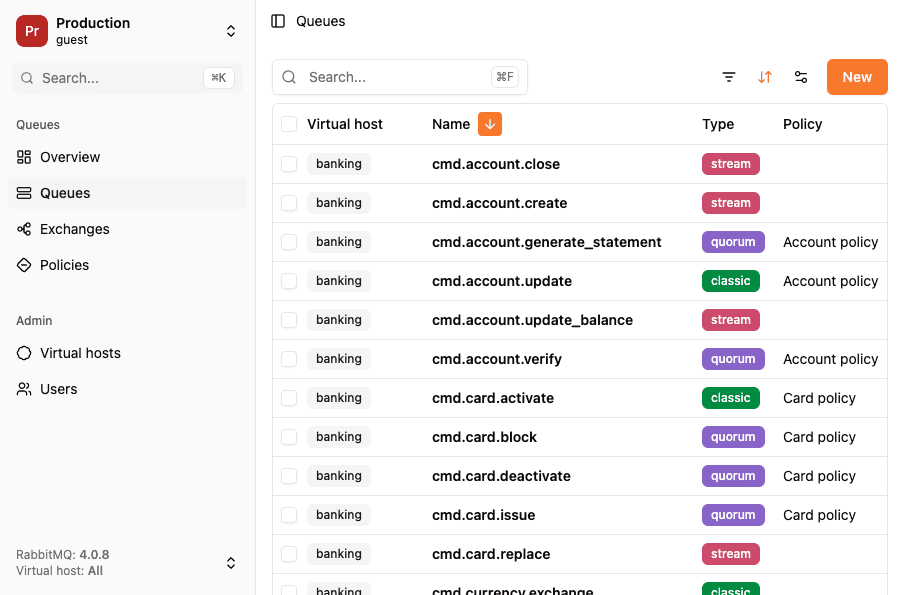
Why you can't just "watch" a queue
RabbitMQ queues are designed for delivery, not observation. The only built-in way to see what's inside a queue is to consume from it, and consuming removes the message from the queue (or at least hides it from other consumers until you reject it). There's no read-only peek across the entire queue, and the management API's "Get messages" feature either requeues messages (risking reordering) or drops them entirely.
This creates a real problem when you're debugging a live system. You want to see what messages are flowing into a queue, their routing keys, headers, payloads, without disrupting the consumers that are actually processing them. If you consume the messages yourself, your application's consumers won't receive them. If you requeue them, you might change delivery order or trigger duplicate processing.
You need a way to observe traffic without participating in it.
How does RabbitGUI do it?
RabbitGUI lets you spy on queue traffic, but what actually happens when you click on the "Spy" button for a queue? How does it capture messages in real time without consuming from the original queue?
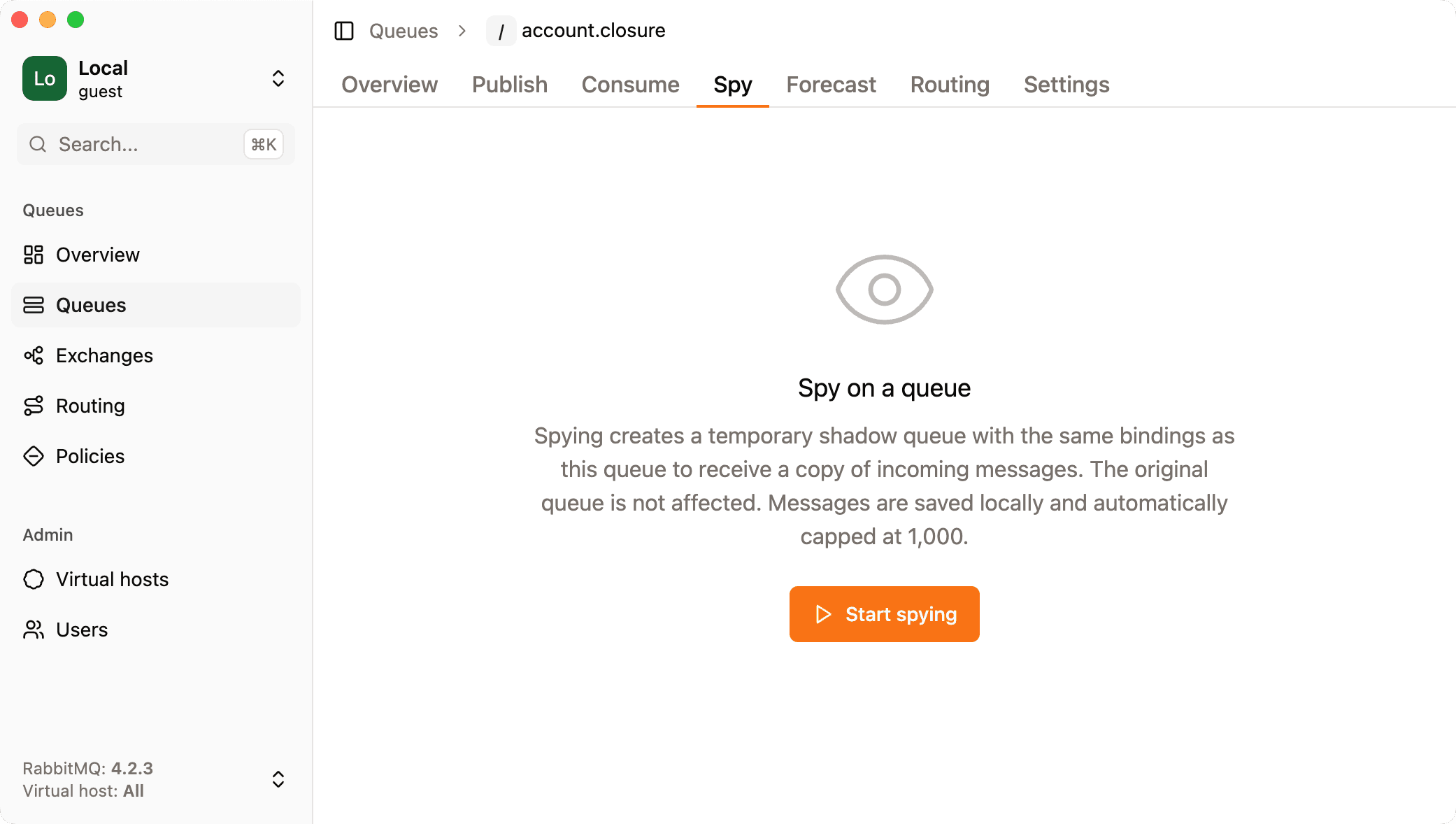
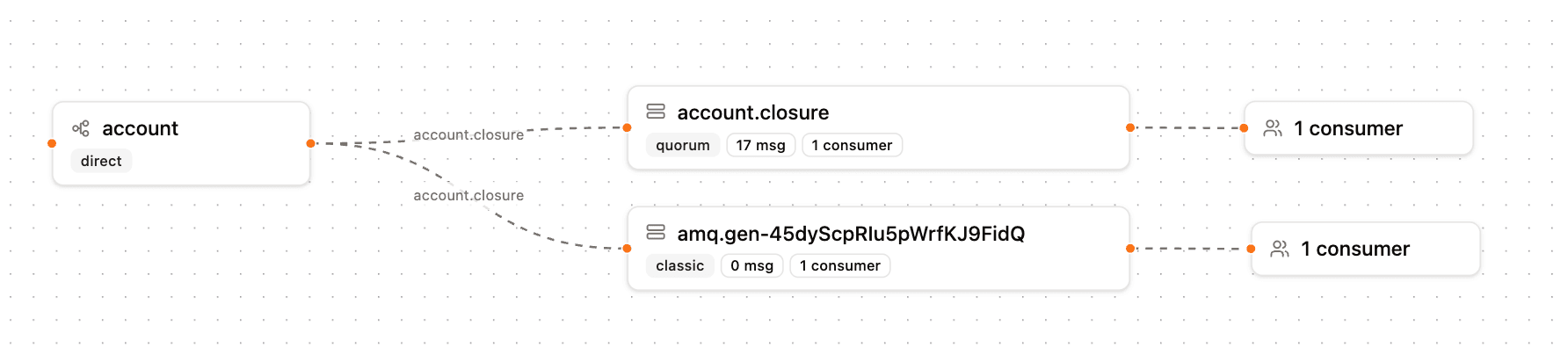
It solves this by creating a shadow queue that mirrors the bindings of the queue you want to spy on. Here's how it works:
-
Create a new queue with a server-generated name. RabbitGUI calls
assertQueuewith an empty string as the queue name, which tells RabbitMQ to pick a random unique name (something likeamq.gen-Xk2a9f...). This avoids any collision with your existing queues. -
Copy all bindings from the target queue. RabbitGUI reads the target queue's bindings through the management API and replicates every single one on the shadow queue. If your queue is bound to
eventswith routing keyv1.orders.#and tonotificationswith routing key*.email, the shadow queue gets exactly the same bindings. From this point on, every message routed to the original queue is also routed to the shadow queue. -
Mark the queue as exclusive and auto-delete. These two flags are critical:
- Exclusive means only the connection that created the queue can consume from it. No other consumer can accidentally attach to it, and, crucially, RabbitMQ will delete the queue the moment that connection closes.
- Auto-delete means the queue is removed as soon as its last consumer disconnects.
Together, these flags guarantee that the shadow queue is ephemeral. If RabbitGUI disconnects, crashes, or the user simply closes the spy tab, the queue vanishes. No orphaned queues pile up on your broker, no messages accumulate in a queue nobody's reading, and no manual cleanup is ever needed.
const { queue } = await channel.assertQueue("", {
  exclusive: true,
  autoDelete: true,
});

for (const binding of targetQueueBindings) {
  await channel.bindQueue(queue, binding.source, binding.routingKey);
}
Consuming and storing messages
Once the shadow queue is bound, RabbitGUI starts a consumer on it. Every message that RabbitMQ routes to the original queue also arrives in the shadow queue, and the consumer captures it in real time.
Each message is acknowledged immediately and stored locally, the routing key, headers, properties, payload, and timestamp are all preserved. This gives you a scrollable, searchable log of every message flowing through the queue without ever touching the original queue or its consumers.
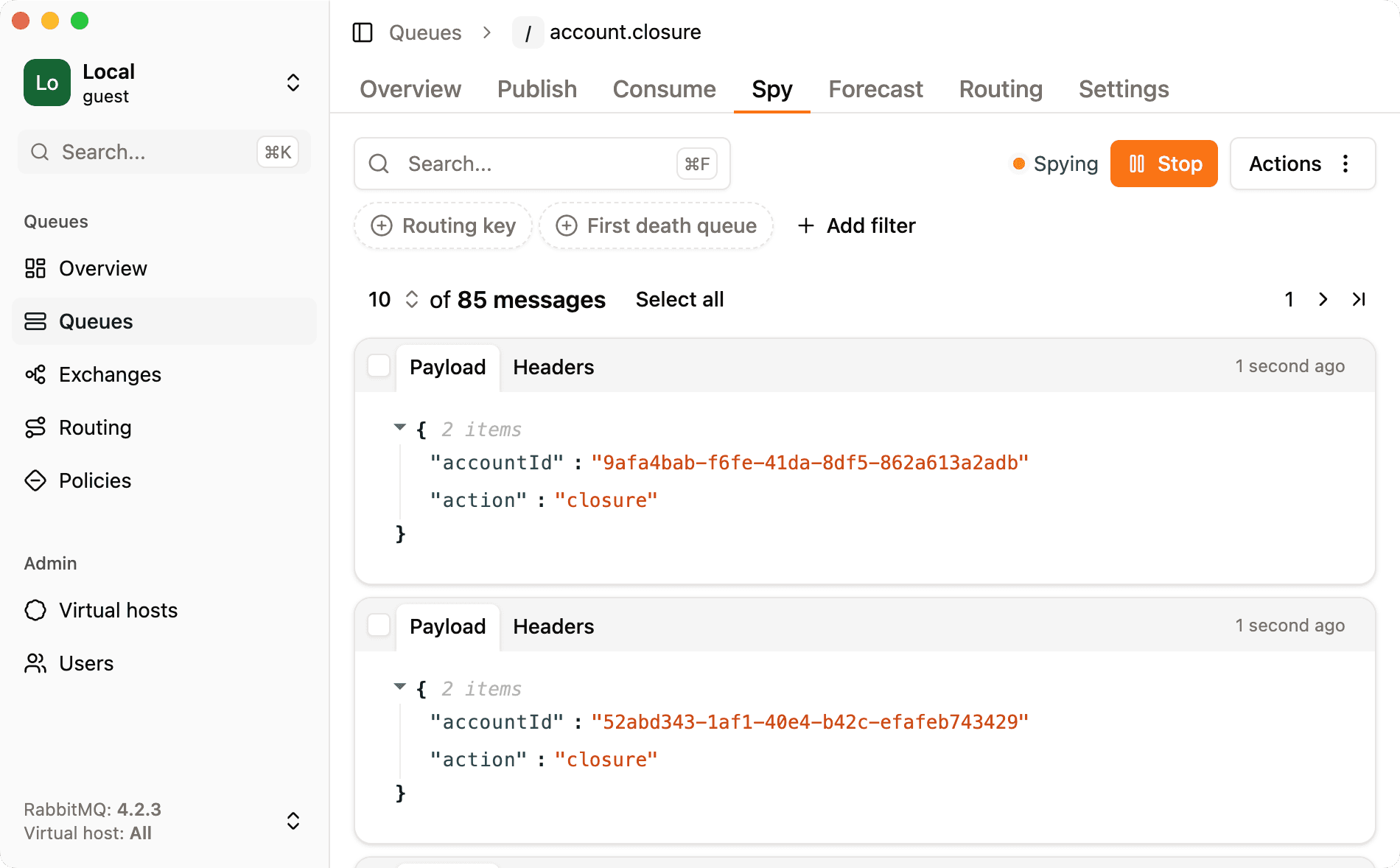
Because the shadow queue is independent from the original, your application doesn't notice anything. Its consumers keep receiving messages at the same rate, in the same order, with the same delivery guarantees. The shadow queue is a completely separate delivery path that happens to have the same bindings.
Limitations: the default exchange
There's one scenario this approach can't cover: messages published directly to a queue using the default exchange.
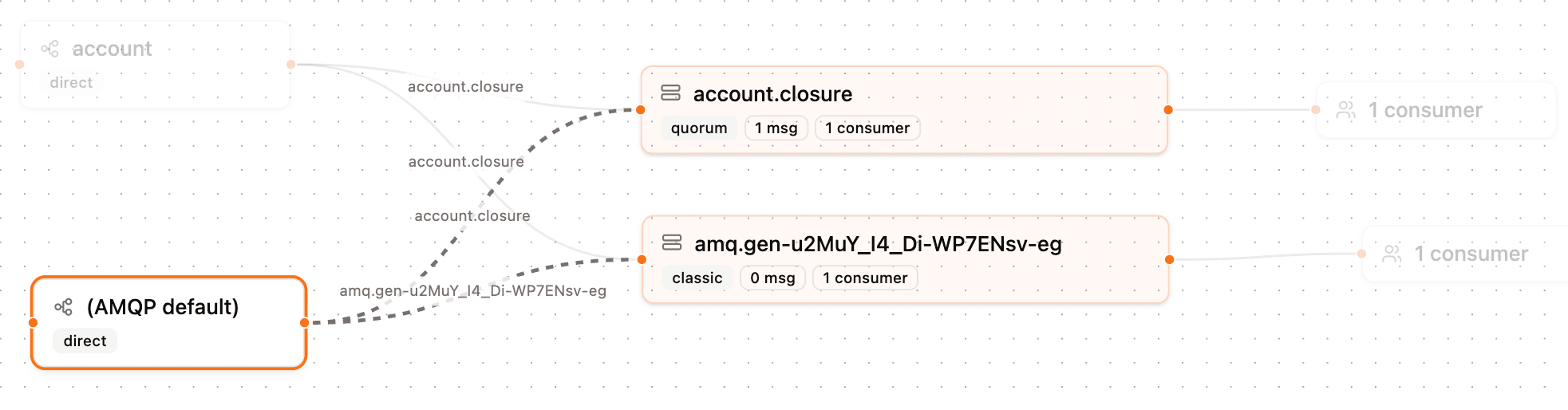
In RabbitMQ, every queue is automatically bound to the default exchange (the nameless "" exchange) with a routing key equal to the queue's own name. When a publisher calls channel.sendToQueue("my-queue", payload), it's actually publishing to the default exchange with routing key my-queue. This implicit binding is managed internally by RabbitMQ and cannot be replicated on another queue. You can't bind the shadow queue to the default exchange with someone else's queue name as the routing key, RabbitMQ simply won't allow it.
This means that messages sent via sendToQueue or published directly to the default exchange won't appear in the shadow queue's traffic. RabbitGUI can only capture messages that are routed through explicit exchange bindings.
In practice, this is rarely a problem. Using sendToQueue (or the default exchange directly) tightly couples publishers to specific queue names, which defeats the purpose of having exchanges and bindings in the first place. Well-designed RabbitMQ topologies route messages through named exchanges, and those are fully supported by the spy feature.
For how the default exchange relates to other types, read RabbitMQ exchange types explained.