RabbitGUI documentation
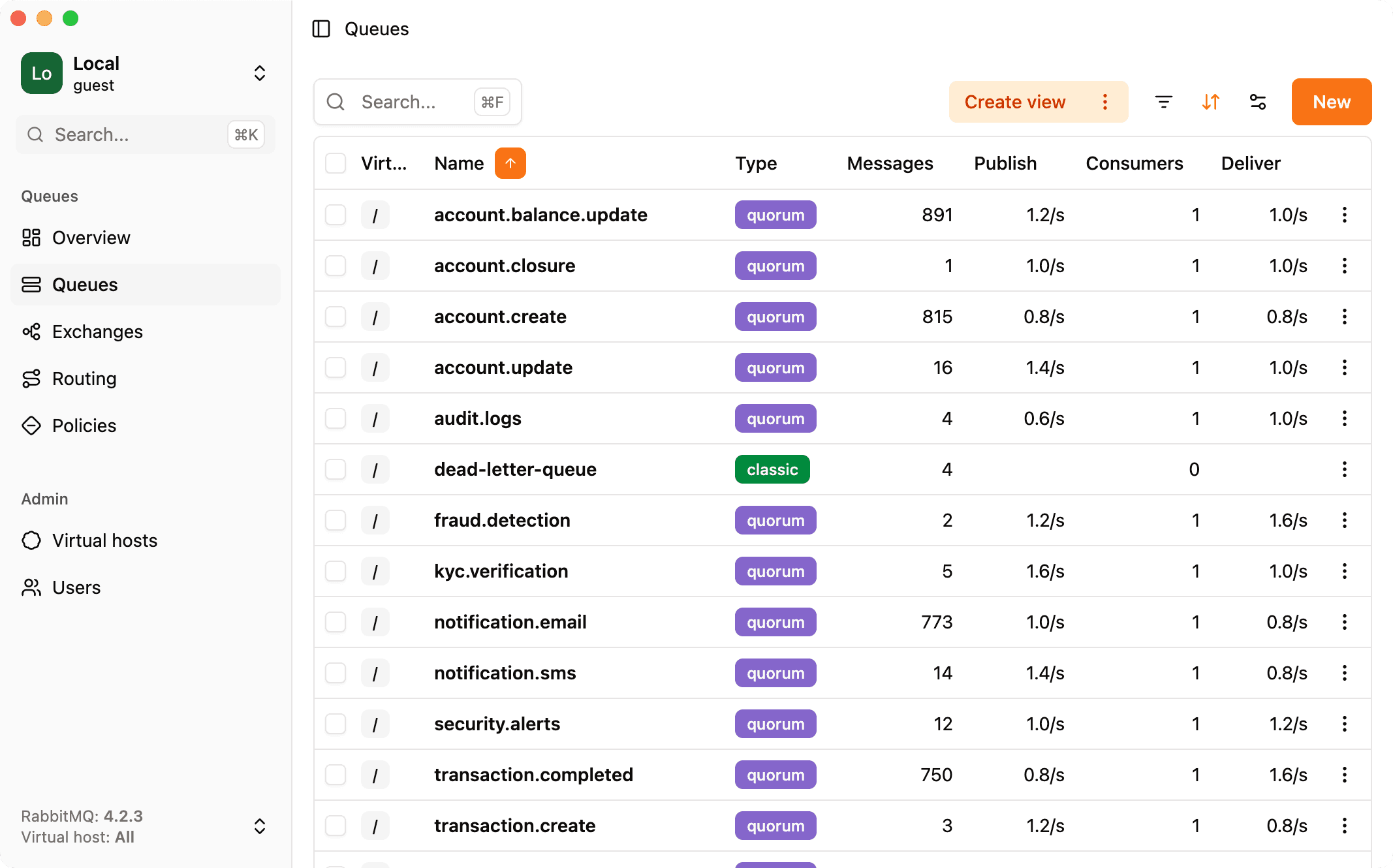
RabbitGUI is a modern RabbitMQ IDE that allows you to manage your RabbitMQ clusters, debug dead-letter queues, spy on live traffic, and much more.
Supported platforms
RabbitGUI is a desktop app with native builds for macOS (Apple silicon and Intel), Windows (x64), and Linux (x64).
- Windows: Windows 10 and later on 64-bit machines.
- macOS: Big Sur (11.0) and later on both Apple silicon and Intel.
- Linux: Ubuntu 20.04+, Fedora 32+, or Debian 10+ on 64-bit machines. Installers are provided as a
.debpackage and an AppImage, so the app should run on most distributions that can use those formats.
How does RabbitGUI work?
RabbitGUI runs entirely on your computer. It is not a hosted service: your cluster data stays on your machine and in your network path to RabbitMQ.
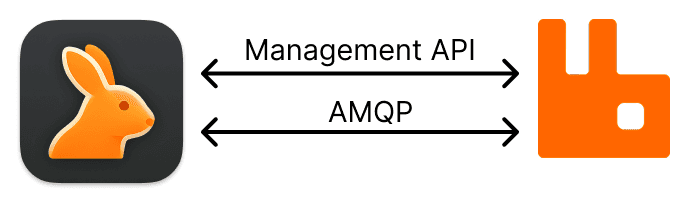
For most tasks, the app uses RabbitMQ’s management HTTP API, the same API the broker exposes for operators and dashboards. For workflows that need a live, protocol-level view of the broker (for example consuming messages or spying on queues), RabbitGUI opens AMQP connections directly to RabbitMQ, alongside the management API.
Because connections originate from your laptop or workstation, if your computer can reach the broker, RabbitGUI can too. That includes RabbitMQ only reachable over a VPN, through a bastion, or behind other network restrictions: there is no separate RabbitGUI server sitting in the middle of your traffic.
For a fuller picture of what leaves your machine, what does not, and how licensing fits in, see Security and privacy.