How to create a queue in RabbitMQ?
Open RabbitGUI and go to the Queues menu, from there you can hit the New button in the upper right corner to open the new queue modal.
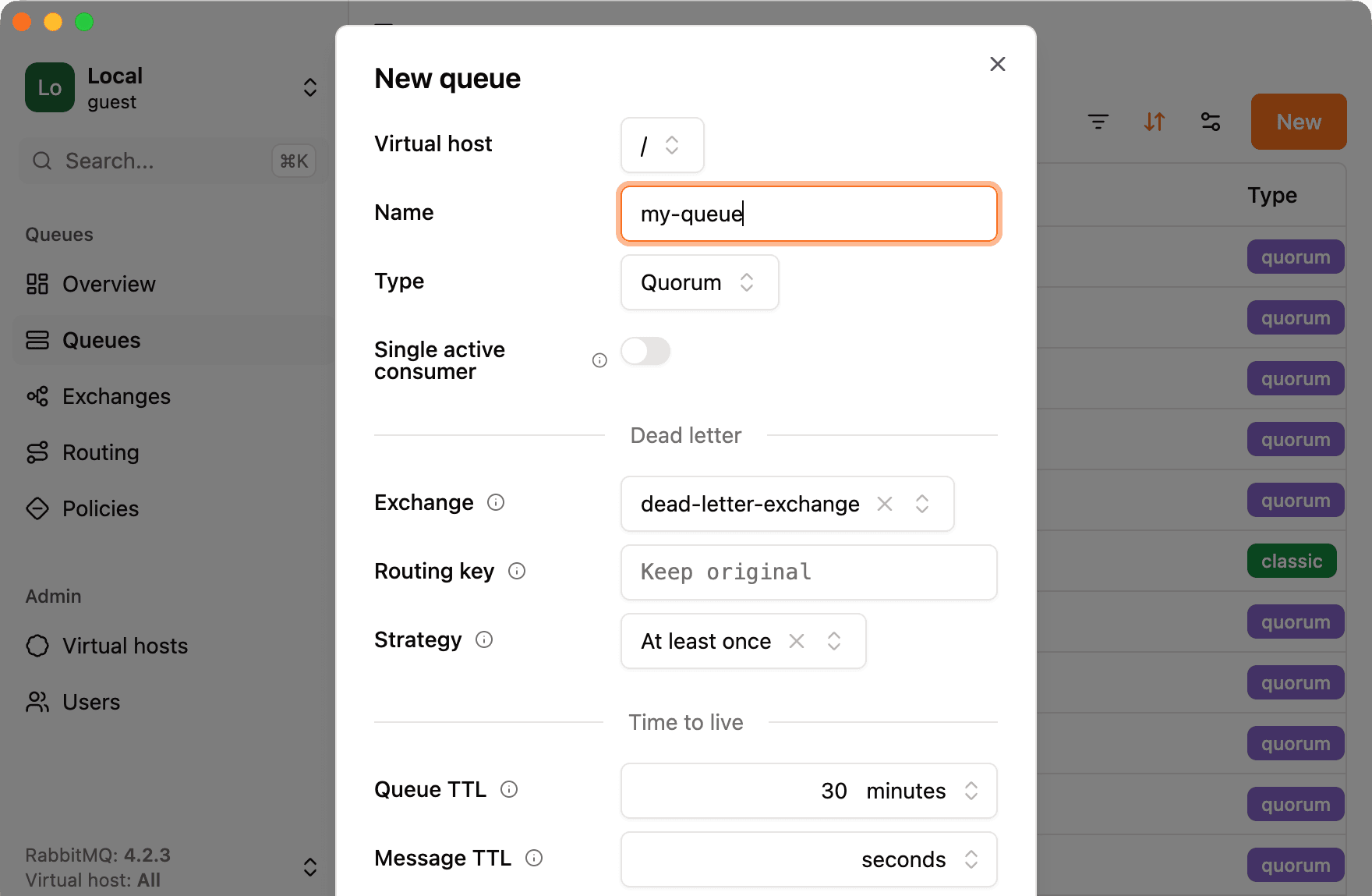
From there you can fill out all the options you need for your queue. You may also hover the icon to display the built-in documentation for each field, some even have a link to the official RabbitMQ documentation or an article explaining the feature. RabbitGUI is a great way to explore and learn about available options.

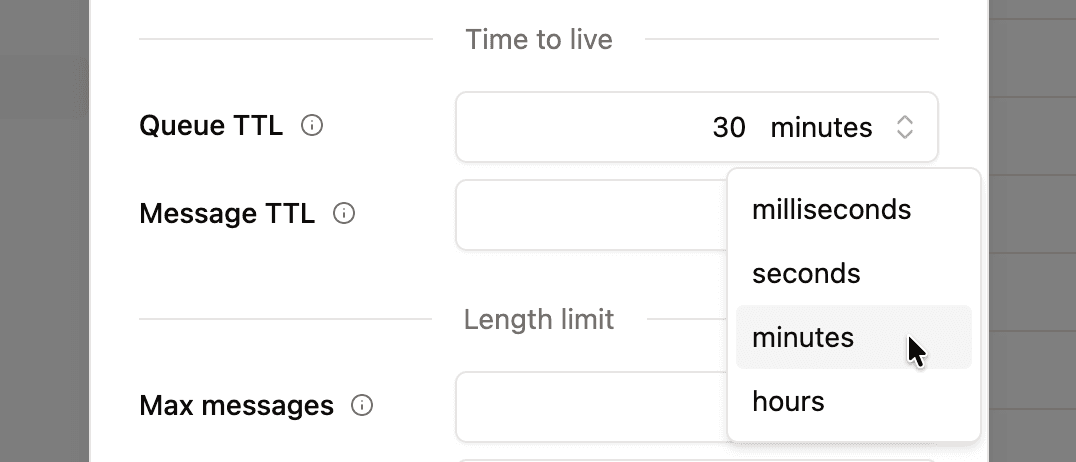
Some fields allow you to select a unit, simply click and the unit and choose the one that fits your need the most.
Except from a few fields like the name and virtual host, all fields are optional, you can leave them empty to keep their default values. Once you are done, just hit Save to create your queue.