Virtual hosts
Virtual hosts (vhosts) split a RabbitMQ broker into isolated groups of queues, exchanges, bindings, users permissions and policies. RabbitGUI lets you list, create and delete virtual hosts, and focus the whole app on a single one.
Focus the app on a virtual host
The sidebar shows the RabbitMQ version and the current virtual host of the connection. Click it to open the Virtual hosts menu and pick one, or All to see everything.
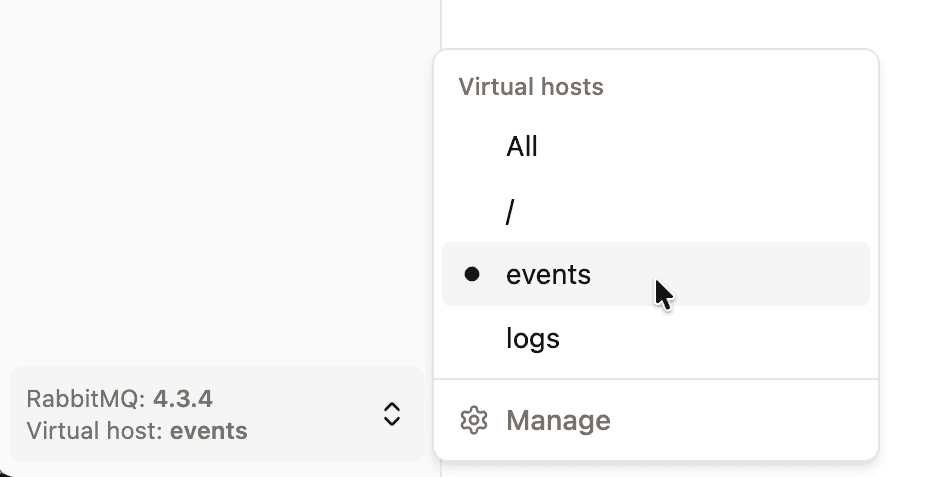
When a virtual host is selected:
- Lists (queues, exchanges, policies…) are filtered on that virtual host, and the virtual host column is hidden.
- Forms such as New exchange pre-select that virtual host.
The choice is saved with the connection, so the next time you open it you land on the same virtual host. If the virtual host is deleted, RabbitGUI falls back to All.
The same menu has a Manage link that opens the list of virtual hosts.
List virtual hosts
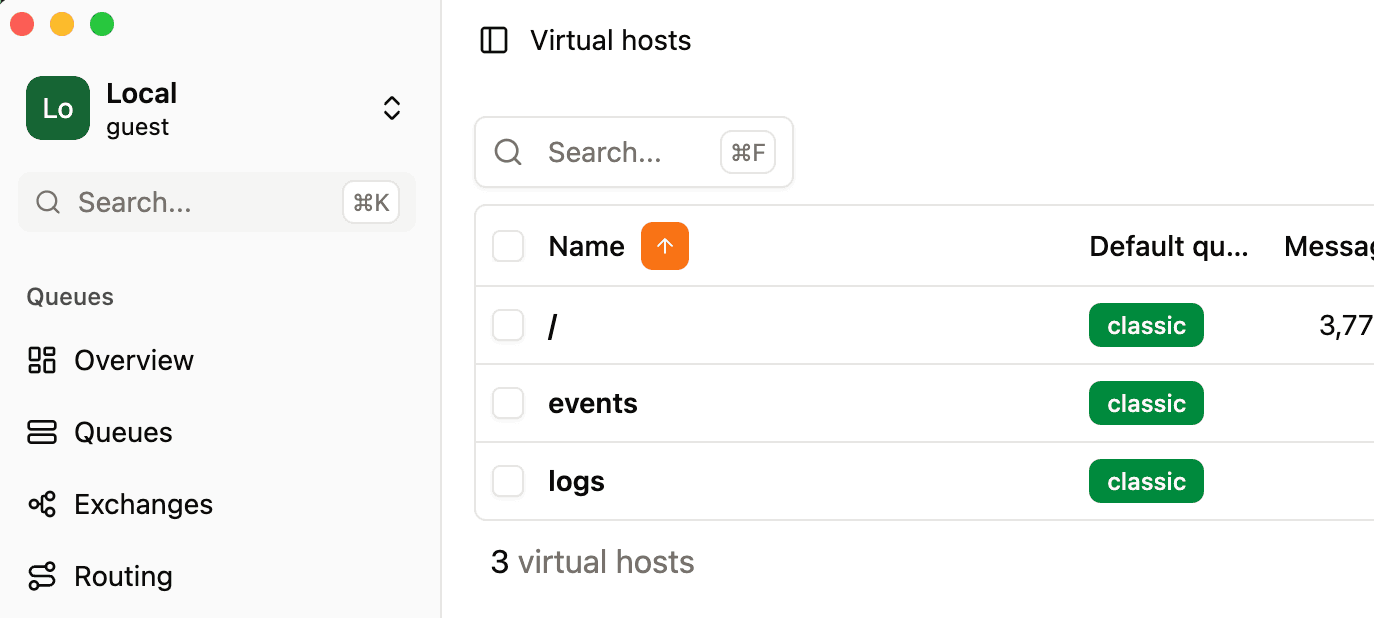
The virtual hosts page shows each virtual host with its default queue type, its number of messages (total by default, ready and unacknowledged can be added from the column settings), network in and out, and publish and deliver rates. The list refreshes every 5 seconds and supports search, filters, sorting and custom views.
Double-click a virtual host to open it.
Virtual host details
A virtual host has two tabs:
- Overview: charts of queued messages (ready, unacked, total) and message rates (publish, deliver with manual ack, deliver with auto ack) for the whole virtual host.
- Settings: name, description, default queue type and tracing status, and a Danger zone to delete it.
Create a virtual host
Click the New button on the virtual hosts page. Enter a name, an optional description, and the default queue type (classic, quorum or stream) used when a queue is declared without an explicit type. RabbitGUI opens the settings of the new virtual host once it is created.
Delete virtual hosts
Delete a virtual host from the row menu, from the Danger zone of its settings, or select several rows and use the bulk Delete action.
Deleting a virtual host permanently deletes all its queues, exchanges, bindings, policies and messages. RabbitGUI asks for confirmation first.