Quick search
Accessing quick search
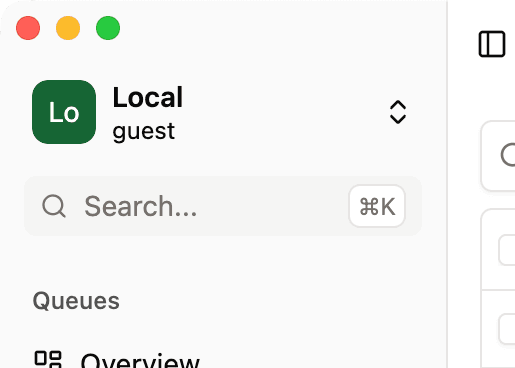
You can open the quick search from anywhere in the app by clicking the search input in the upper left corner of the app or by pressing ⌘+K
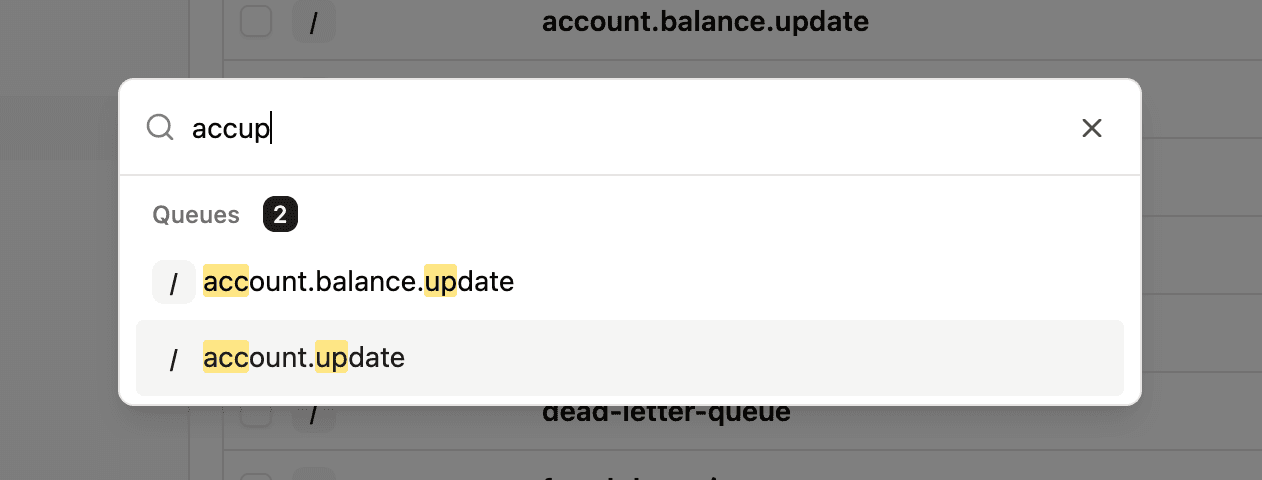
Once the quick search modal is opened, you can start typing and use the arrow keys to select an entity to go to. The search covers queues, exchanges, and virtual hosts.
Navigating
You can navigate within the different options by using the arrow keys or using your mouse. You can then select an option by hitting enter and by clicking on it.
Efficient search patterns
You can quickly search for what you want by typing only the prefixes of each “word”. For instance, if you are looking for account.balance.update, you can type abau which will match the a of account, ba of balance, and u of update.