Spying on live queues
RabbitGUI lets you debug a running system and see what is flowing through a queue (routing keys, headers, payloads) without stealing work from your real consumers. This is not a native feature of RabbitMQ.
How RabbitGUI’s spy feature works?
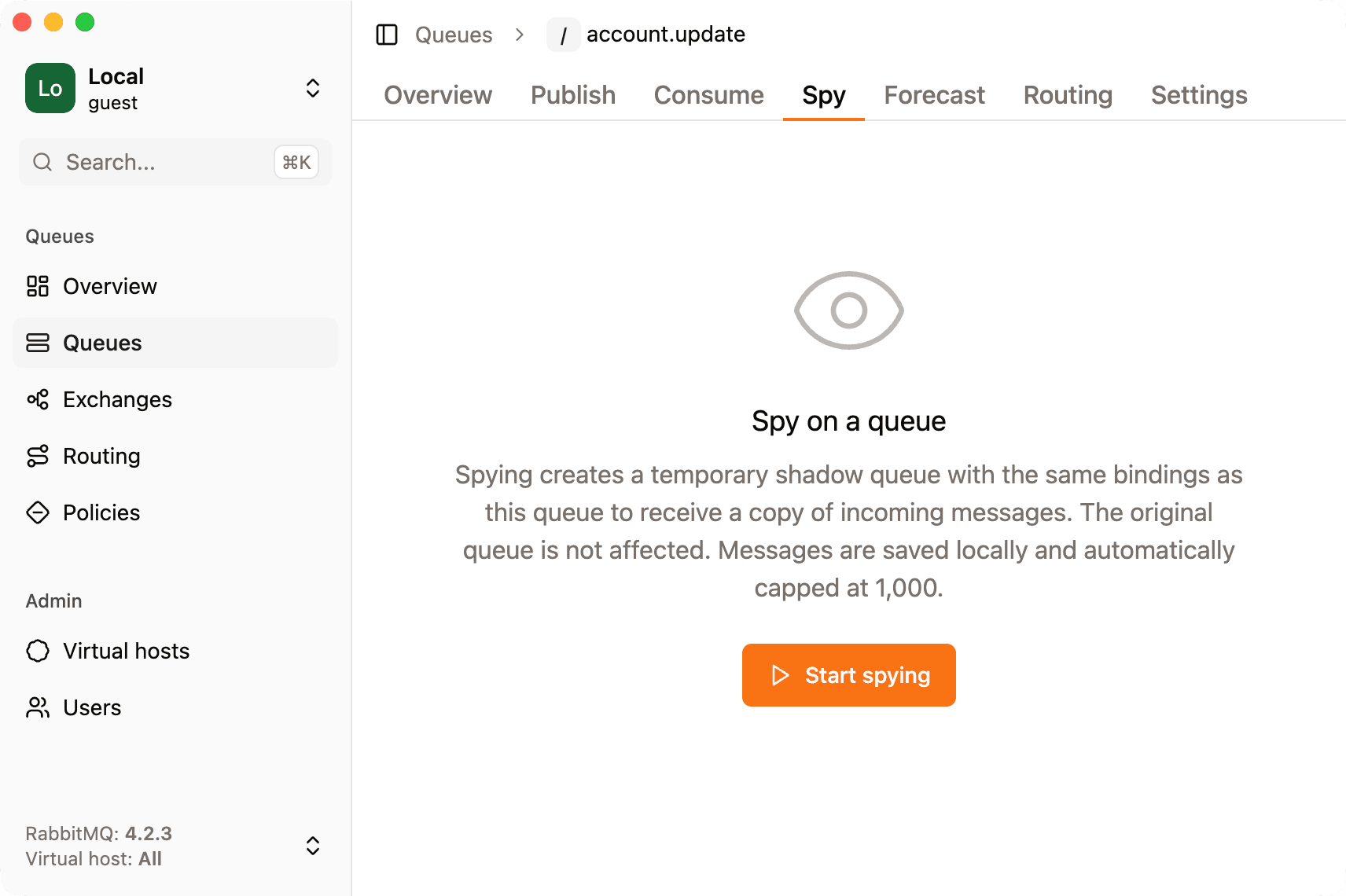
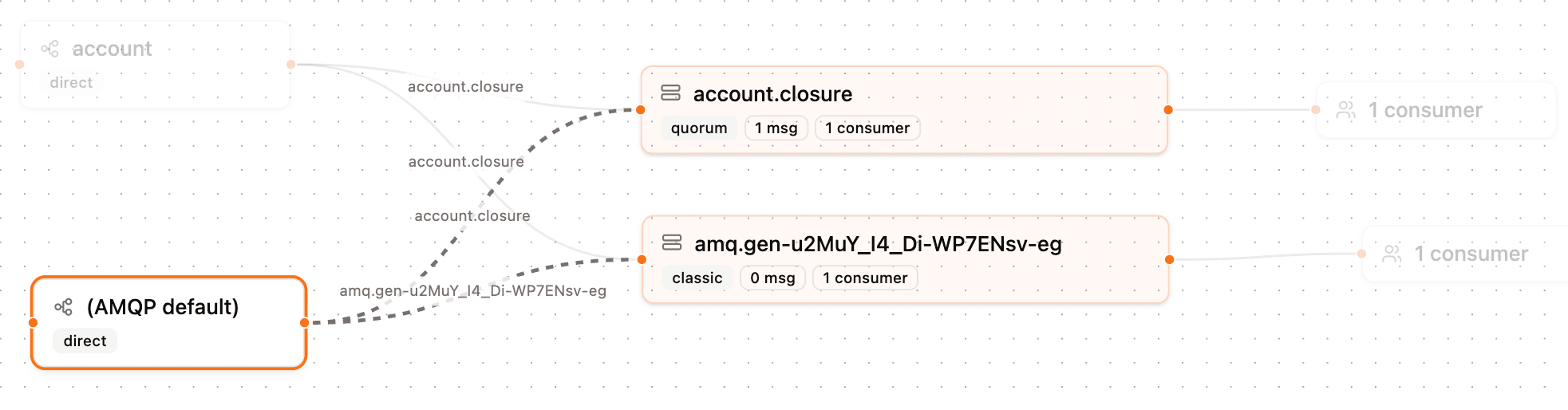
The Spy feature creates a shadow queue with the same bindings as the target queue and records messages locally. Messages that RabbitMQ routes to the target are also routed to the shadow, so you observe a duplicate stream.
The detailed mechanics are in how to spy on real-time queue traffic in RabbitMQ.
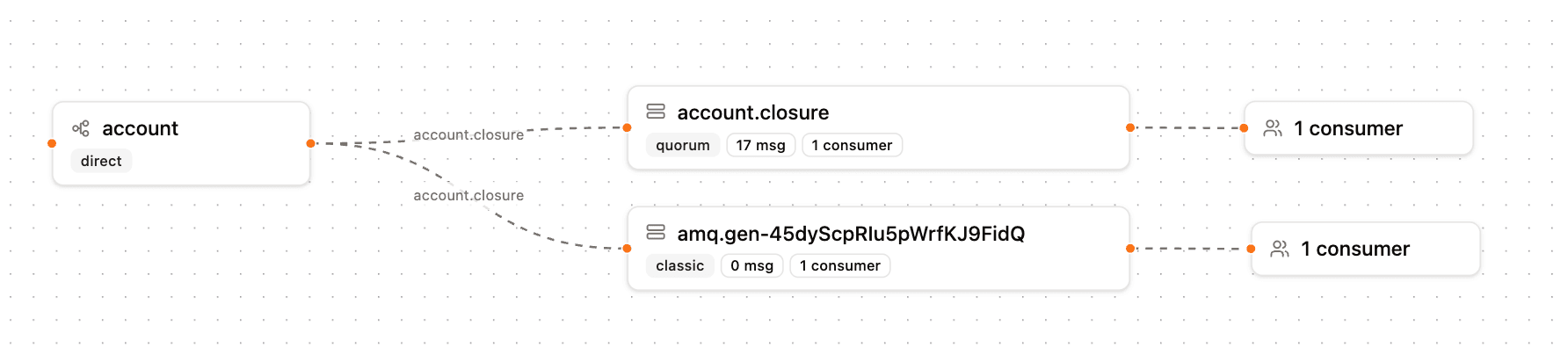
If you need to inspect messages already sitting in a queue (including dead-letter queues), use the consume tab. Spy is optimized for live mirroring, not for draining an existing backlog in place.
Start spying
Click on the Start button to start spying, this will create a temporary queue and a local consumer. You will start to see messages being added live to the message explorer. Once you reach 1000 messages locally, old messages will be replaced by new ones.
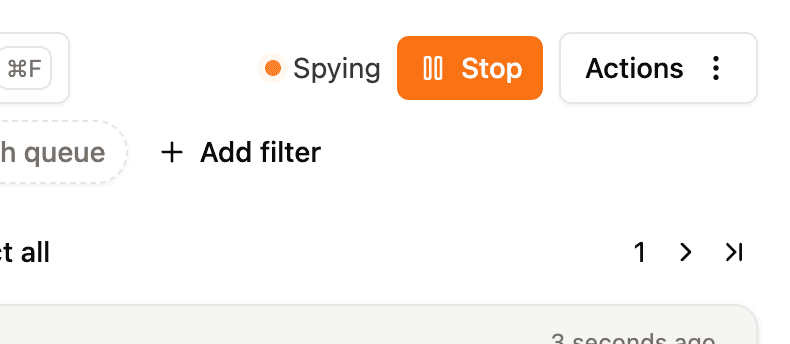
Stop spying
Simply press the Stop button to stop spying. This kills the consumer and removes the temporary queue. Messages that you caught remain on your machine and are still epxlorable.
Re-publishing messages
You select messages and republish them as needed. You can read the republishing messages section for dead-letter queues for an in depth feature tour.
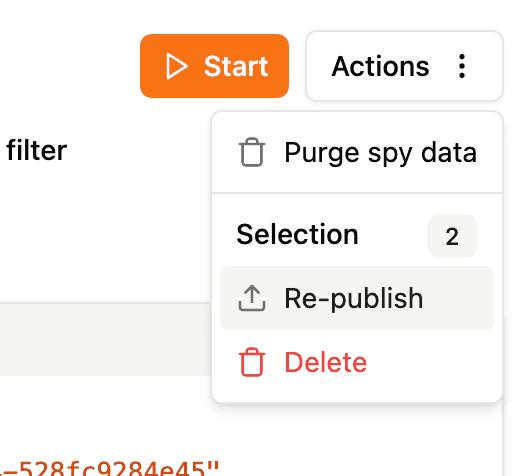
Deleting messages
You can select individual messages to delete or purge everything. Note that deleting messages has no impact on your RabbitMQ instance, it only deletes messages that were saved to your local machine.
Limitations
Spy cannot mirror traffic that enters only via the default exchange (name "") with routing key equal to the queue’s name. For example channel.sendToQueue("my-queue", payload).
RabbitMQ gives every queue an implicit binding from the default exchange, but you cannot declare the same binding on a second queue for someone else’s queue name. So messages published only through that path do not appear on the shadow queue.
In practice, well-structured apps publish to named exchanges with explicit bindings, those paths are fully supported.