RabbitMQ Management UI vs RabbitScout
An honest, feature-by-feature comparison of RabbitMQ Management UI and RabbitScout: message browsing, dead letters, live traffic, platforms and pricing.
Quick verdict
RabbitScout is a modern, faster-feeling replacement for the day-to-day screens of the Management UI (overview, queues, exchanges, connections), with live charts. The Management UI remains more complete for administration such as users, permissions and policies.
At a glance
| RabbitMQ Management UI | RabbitScout | |
|---|---|---|
| Type | Web UI | Self-hosted web dashboard |
| Runs on | Any browser | Self-hosted (Node.js or Docker), any browser |
| Price | Free (bundled with RabbitMQ) | Free |
| Open source | Yes (MPL 2.0) | Yes (MIT) |
| Made by | RabbitMQ team (Broadcom) | Ralve (open source) |
| Best for | Broker administration (users, permissions, policies) and quick checks when nothing else is installed. | Teams who want a free, modern, shared web dashboard and are happy to self-host it. |
Feature by feature
| Capability | Management UI | RabbitScout |
|---|---|---|
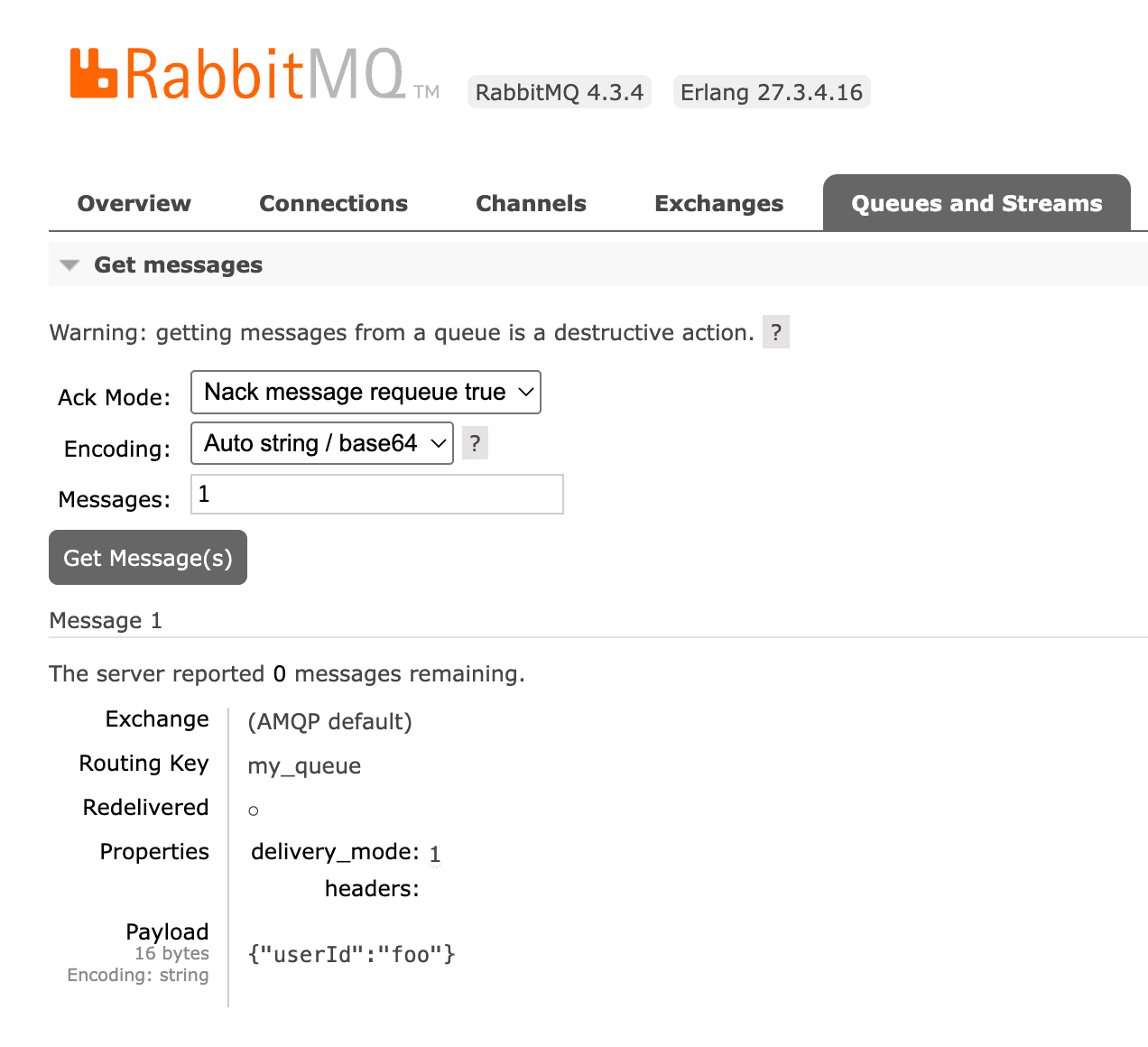
| Browse messages safelyLook at the messages sitting in a queue without losing them or disturbing consumers. | Partly"Get messages" consumes messages and optionally requeues them, which changes order and redelivery flags | PartlyPeek messages with pagination through the management API |
| Search & filter messagesFind specific messages by body, headers or properties instead of paging through them one by one. | NoNo message search or filtering | PartlySorting of peeked messages |
| Replay dead lettersRe-publish failed or dead-lettered messages back to a queue or exchange. | PartlyOnly with the shovel plugin ("Move messages"), whole queue at a time | Not documented |
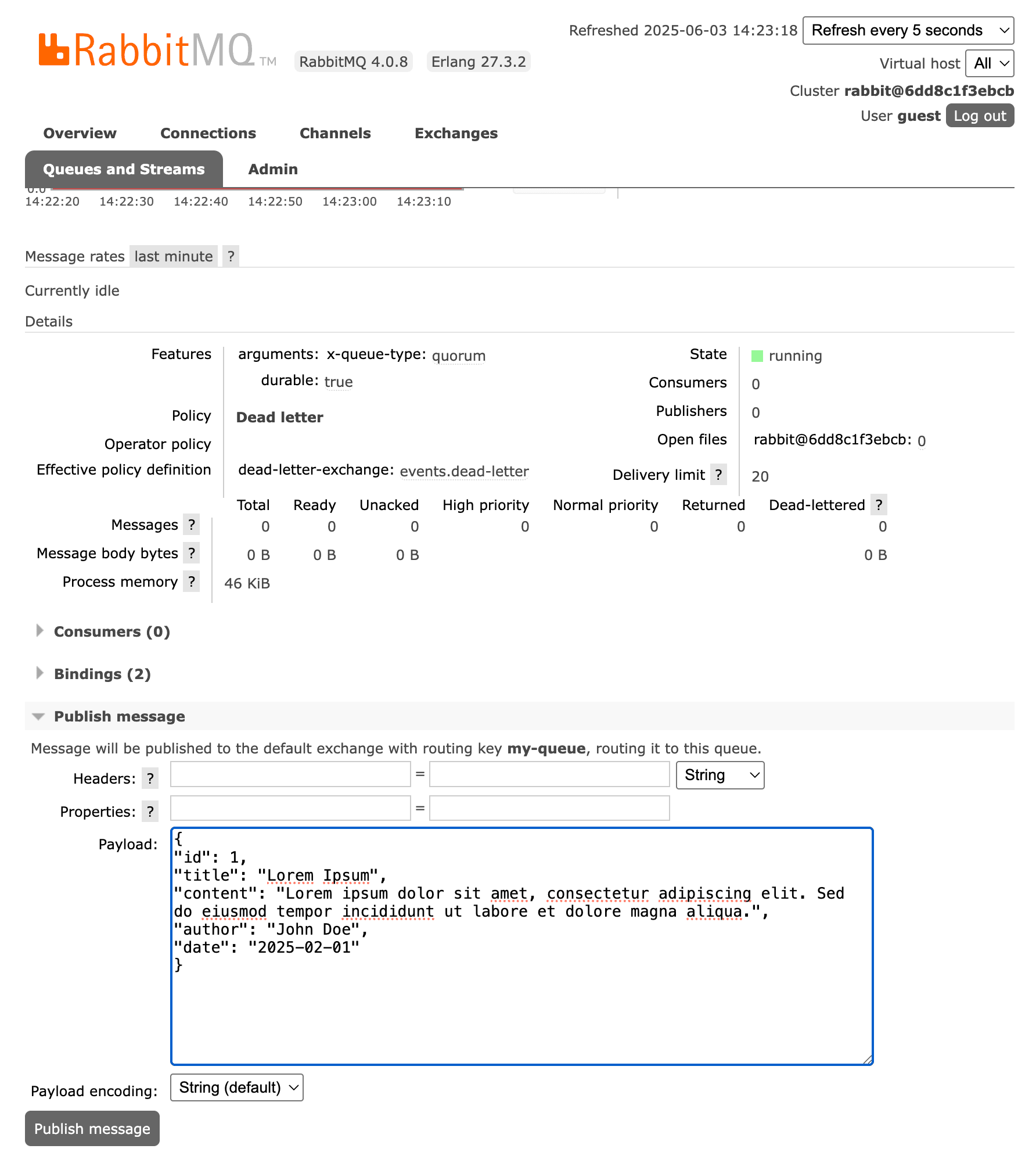
| Publish test messagesSend a message with custom headers and properties by hand. | YesBasic form with headers and properties | YesTest messages with custom headers |
| Watch live trafficSee messages as they flow through a queue without consuming them. | No | Not documented |
| Visual routing graphSee how exchanges, bindings, dead-letter and alternate exchanges connect. | PartlyBindings listed per exchange or queue, no graph | PartlyInspect and add bindings, no graph |
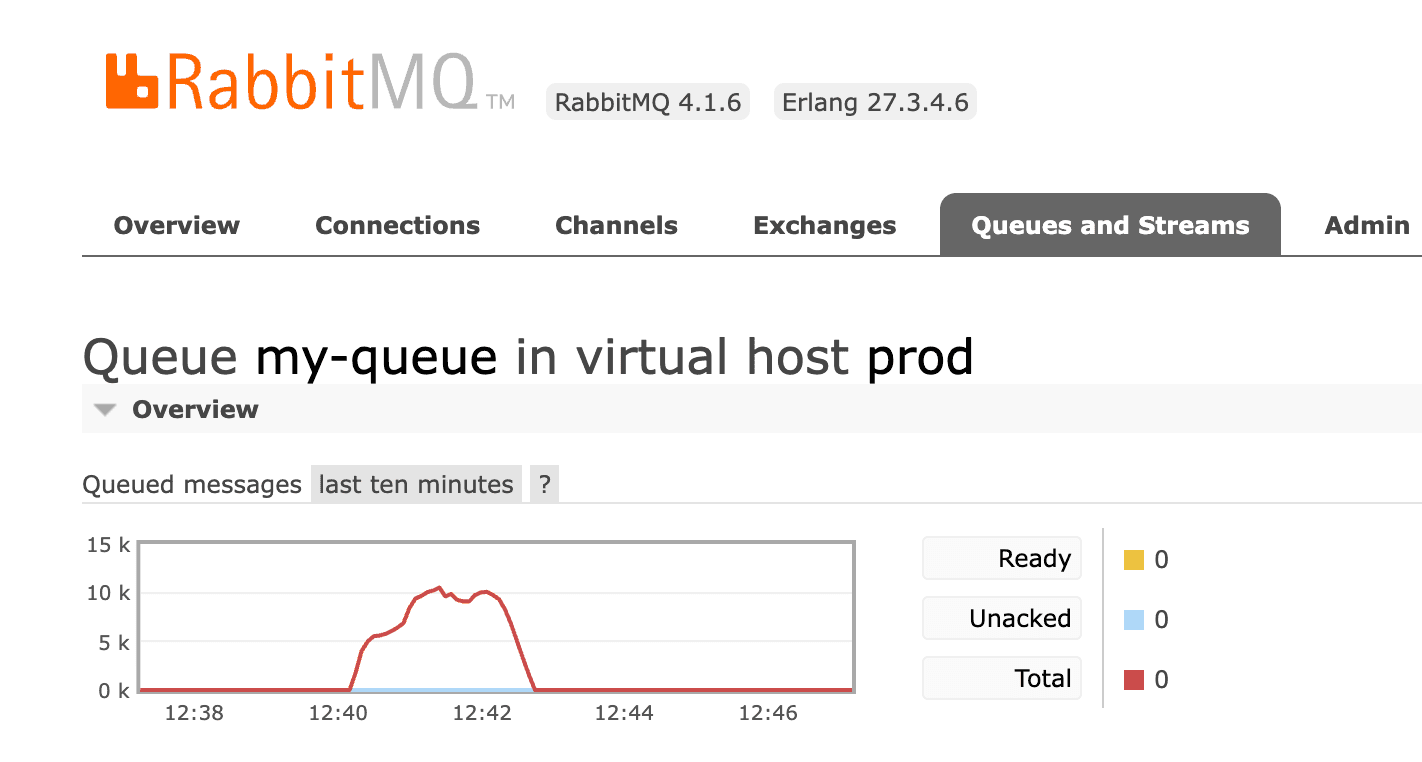
| Metrics & chartsMessage rates, queue depth and other time series. | YesBasic rate and depth charts | YesLive streaming charts and history up to 24h |
| Backlog drain forecastEstimate when a queue backlog will be empty. | No | Not documented |
| Many brokers in one placeSwitch between local, staging and production brokers without re-entering credentials. | NoOne broker per browser tab, log in to each | NoOne broker per deployment |
| Bulk actionsAct on many queues or messages at once (purge, delete, move). | No | Not documented |
| Policy debuggingUnderstand which policy applies to a queue and why. | PartlyShows the effective policy of each queue, but not why others did not match | Not documented |
| Other brokersWorks with message brokers other than RabbitMQ (Azure Service Bus, MSMQ, ActiveMQ…). | No | No |
RabbitMQ Management UI: strengths and limitations
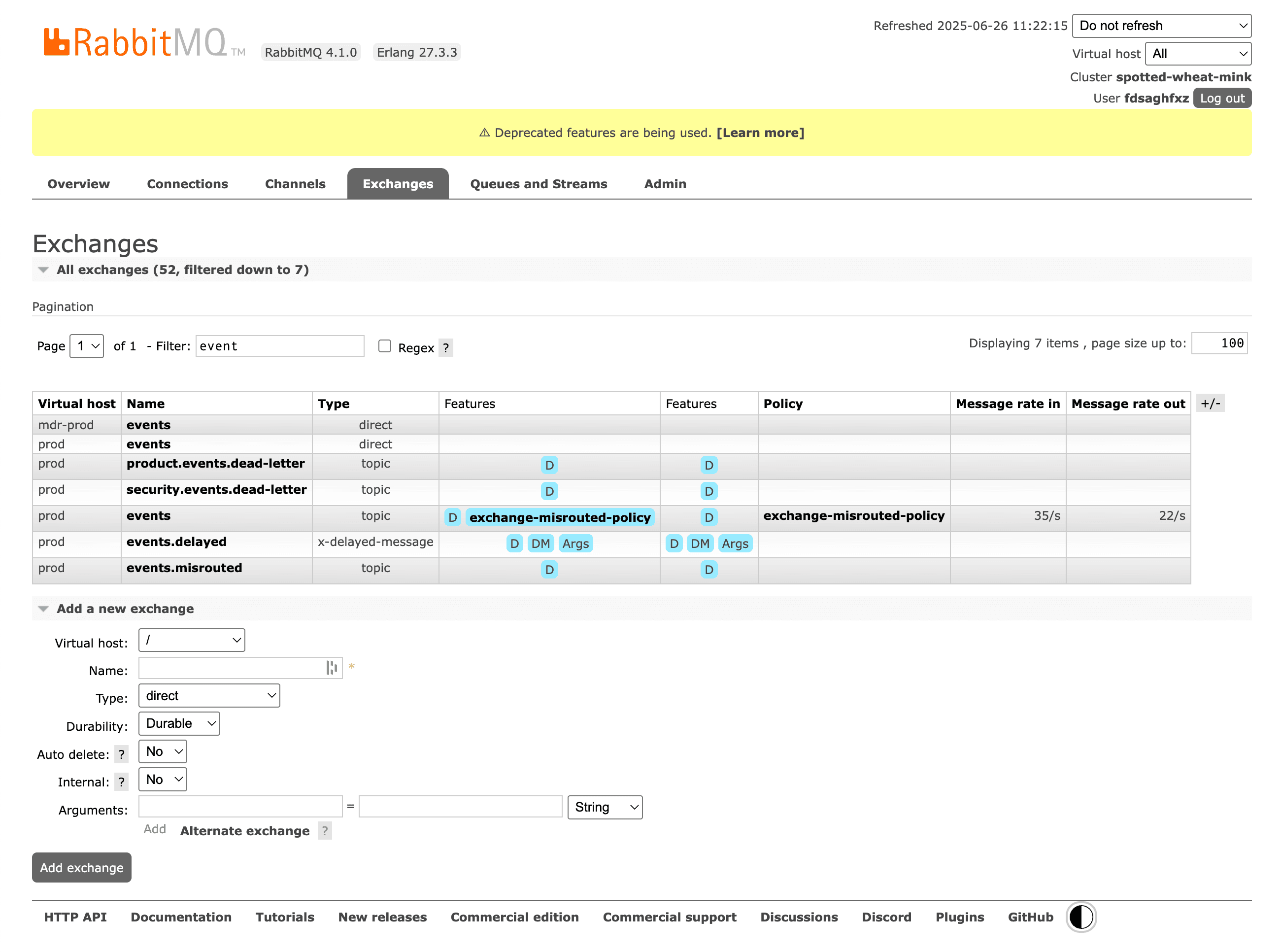
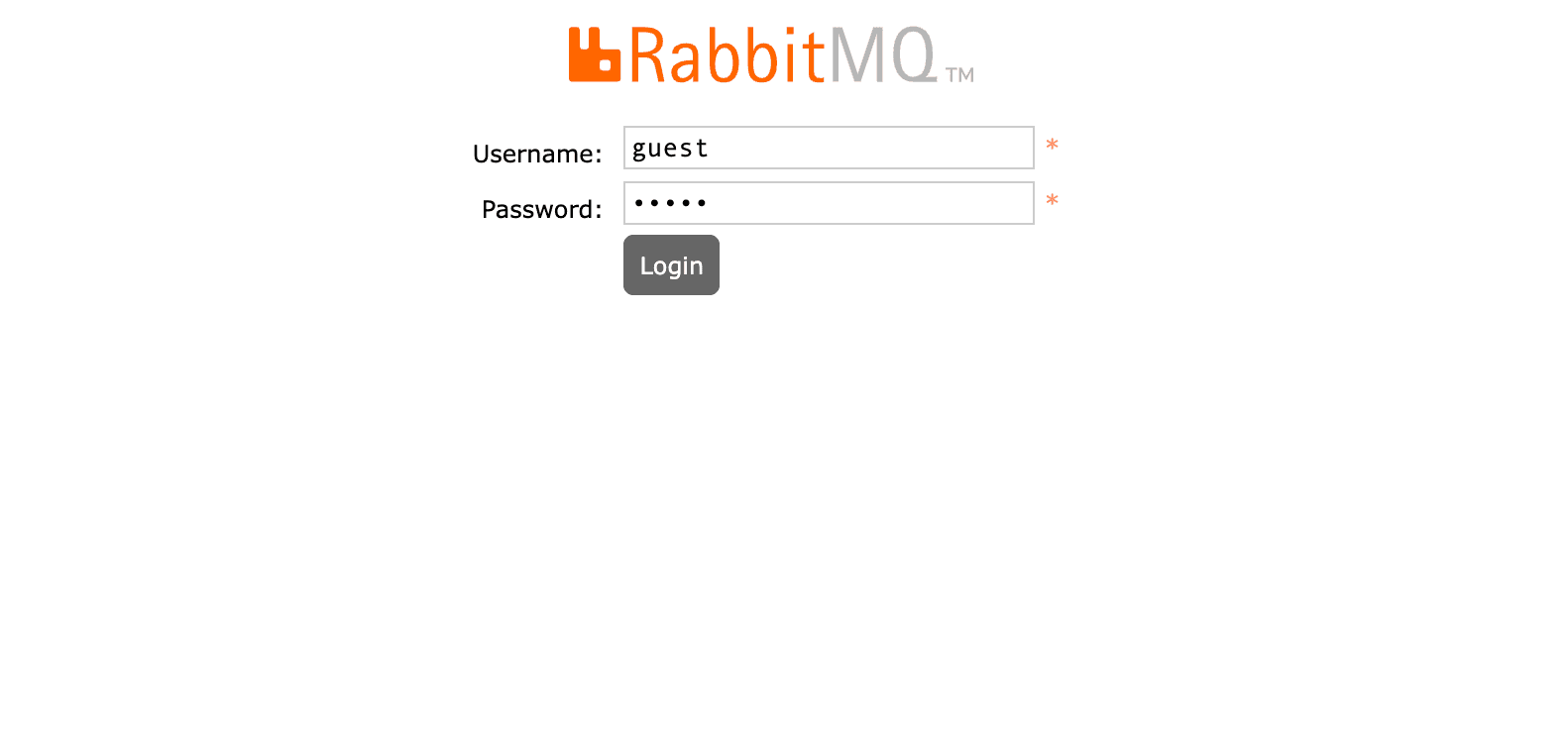
The Management UI ships with RabbitMQ as the rabbitmq_management plugin and is served on port 15672. It covers broker administration well: users, vhosts, permissions, policies, queues, exchanges, connections and basic charts.
Strengths
- Free and already installed with most RabbitMQ setups
- Complete administration: users, vhosts, permissions, policies, feature flags
- Officially maintained by the RabbitMQ team
- Works from any browser, nothing to install on your machine
Limitations
- No safe way to browse a queue: "Get messages" is a consume plus requeue
- No message search, filtering or selective replay
- One broker at a time, credentials re-entered per environment
- Slow and cluttered with thousands of queues
RabbitScout: strengths and limitations
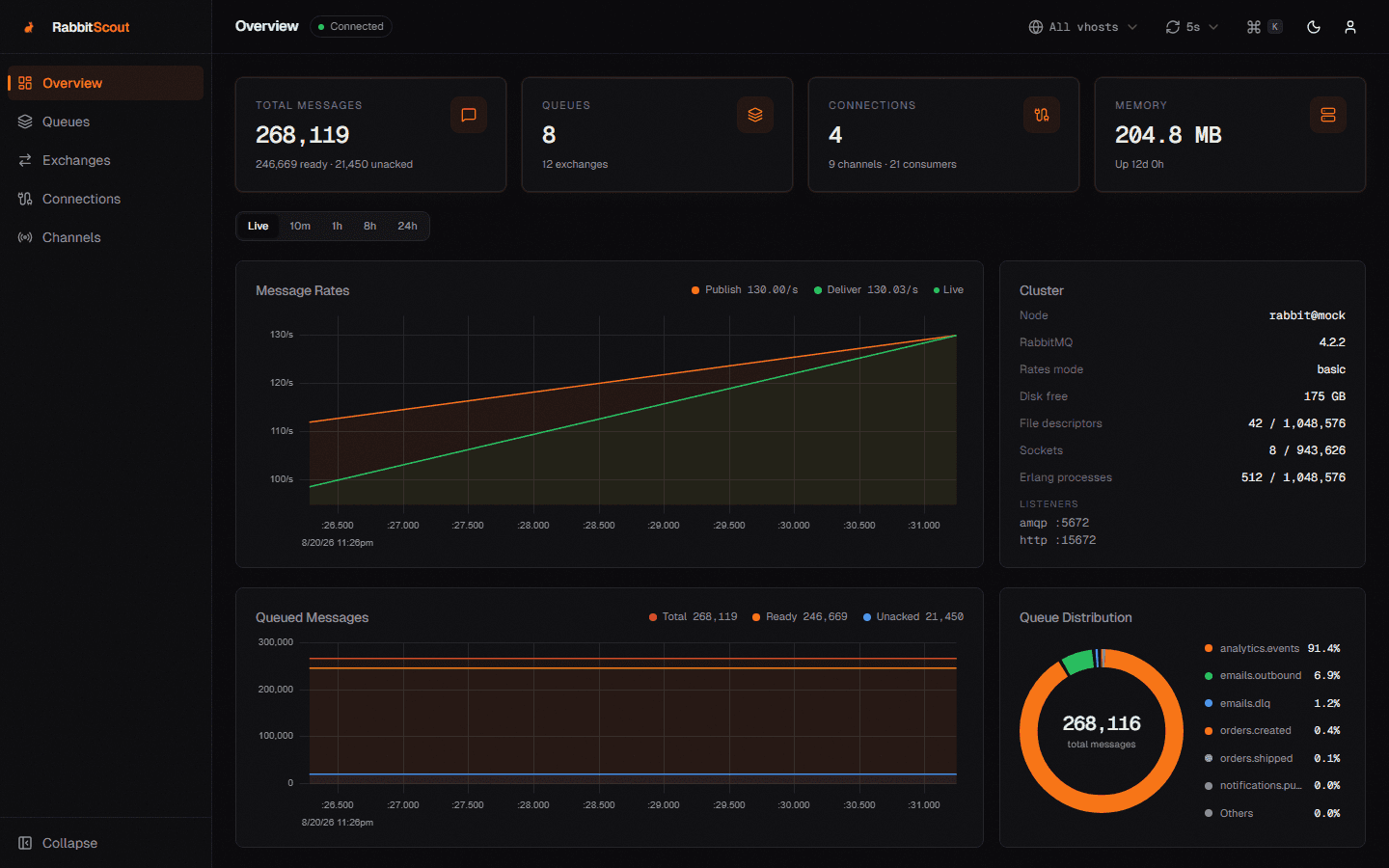
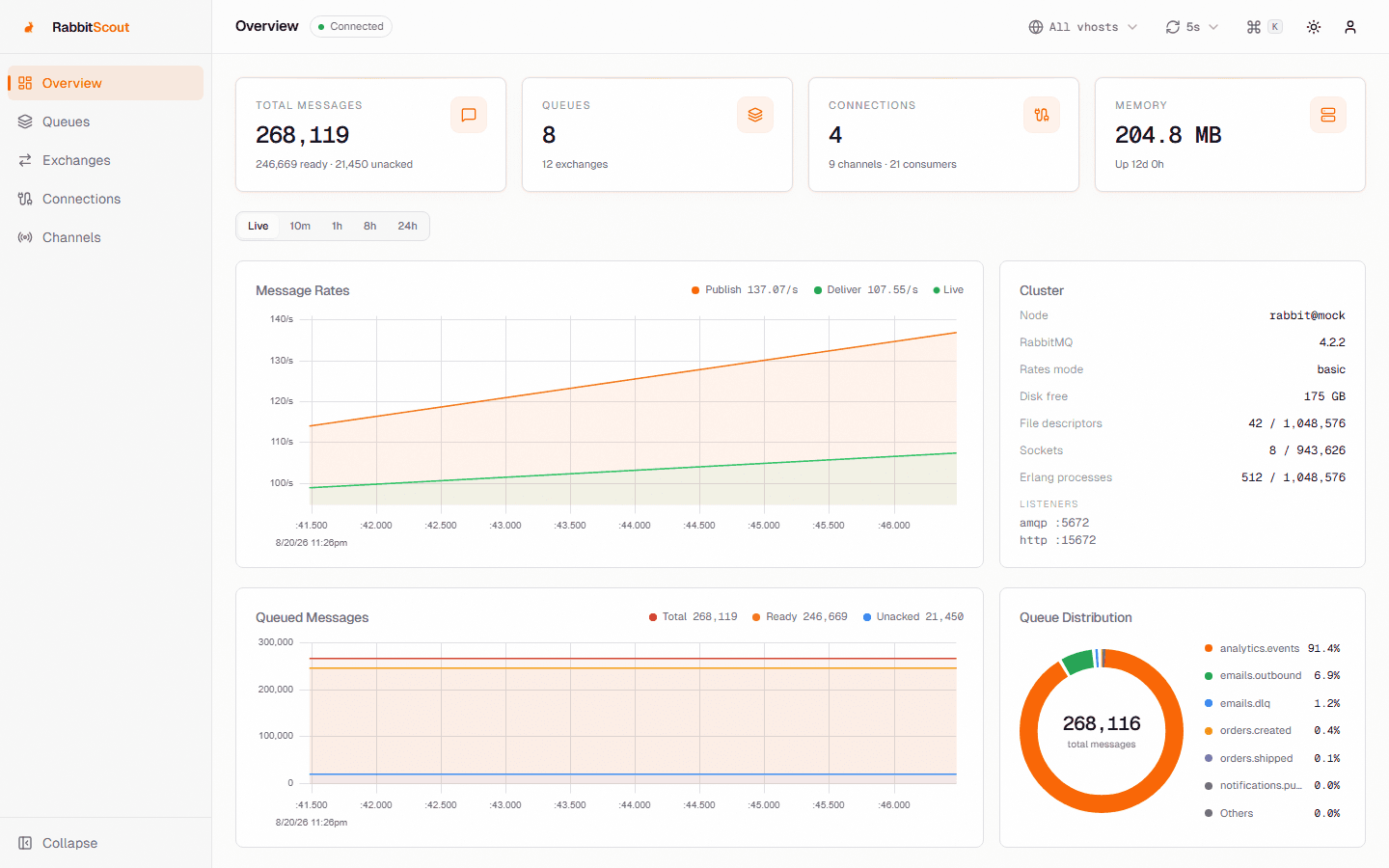
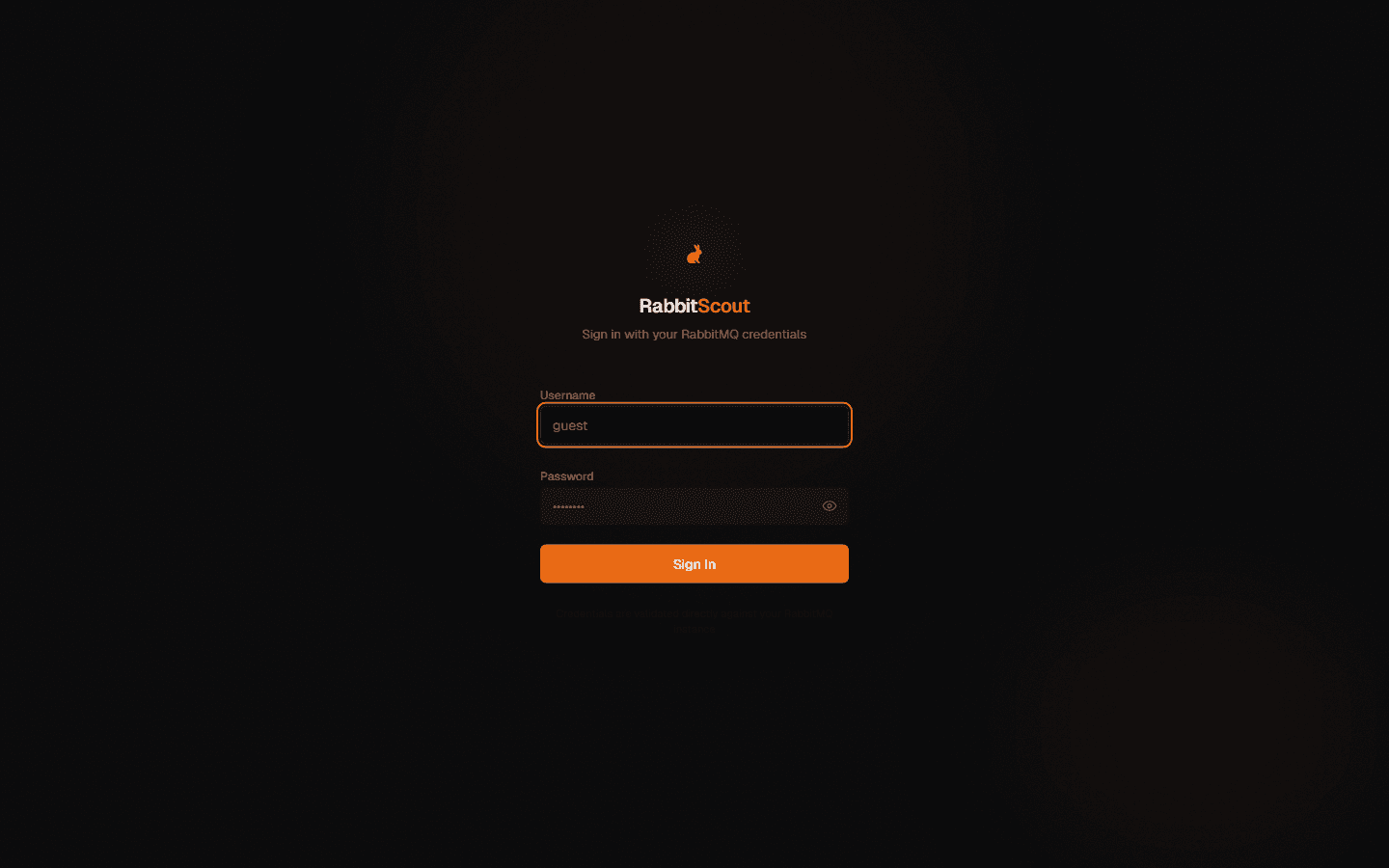
RabbitScout is an MIT-licensed Next.js dashboard that proxies the RabbitMQ management API. You deploy it (Node.js or Docker) next to a broker and each user logs in with their own RabbitMQ credentials. It offers live charts, queue and exchange management, message peeking and test publishing.
Strengths
- Free and open source (MIT)
- Modern, fast web UI with live charts and a command palette
- Shared by a whole team from one deployment
- Respects RabbitMQ user tags and permissions
Limitations
- You have to deploy, expose and maintain another web service
- One broker per deployment
- Message tooling is basic: peek and publish, no documented replay workflow
Setup and security
RabbitMQ Management UI. Run `rabbitmq-plugins enable rabbitmq_management` (already on in the `-management` Docker images), then open http://localhost:15672. Served by the broker itself. Exposing port 15672 beyond localhost or a VPN needs TLS and proper user tags.
RabbitScout. Deploy the Docker image (or Node.js app) with RABBITMQ_HOST/PORT/PROTOCOL environment variables, then open it in a browser. Pass-through auth: credentials are checked against the broker and kept in an httpOnly session cookie. You run and secure the extra web service yourself.
Pricing
- RabbitMQ Management UI: Free (bundled with RabbitMQ)
- RabbitScout: Free
Should you choose Management UI or RabbitScout?
Choose RabbitMQ Management UI if…
You need full administration and nothing extra to deploy.
Choose RabbitScout if…
You want a nicer shared dashboard and can host a small web service.
A third option: RabbitGUI
If what you really need is to debug messages (browse a queue without losing anything, filter and replay dead letters, watch live traffic), RabbitGUI is a native desktop app built for exactly that. Compare it with RabbitMQ Management UI and RabbitScout.
FAQ
Yes. Free (bundled with RabbitMQ).
Yes. Free.
Yes, each one connects to your broker independently. A common split is Management UI when you need full administration and nothing extra to deploy, and RabbitScout when you want a nicer shared dashboard and can host a small web service.
RabbitMQ Management UI: yes (Any browser). RabbitScout: yes (Self-hosted (Node.js or Docker), any browser).
Neither offers a full replay workflow. A desktop client such as RabbitGUI lets you filter and republish dead letters selectively.
Related comparisons
Facts last verified on 2026-11-02. Sources: RabbitMQ docs: Management Plugin, GitHub: Ralve-org/RabbitScout. Spotted something outdated? Email nicolas@tggl.io and we will fix it.