QueueExplorer vs RabbitScout
An honest, feature-by-feature comparison of QueueExplorer and RabbitScout: message browsing, dead letters, live traffic, platforms and pricing.
Quick verdict
QueueExplorer is a paid desktop app focused on messages across several brokers. RabbitScout is a free self-hosted dashboard focused on monitoring and managing one RabbitMQ broker. Pick based on whether you work on messages or watch the broker.
At a glance
| QueueExplorer | RabbitScout | |
|---|---|---|
| Type | Desktop app | Self-hosted web dashboard |
| Runs on | Windows, macOS, Linux | Self-hosted (Node.js or Docker), any browser |
| Price | $149 per computer (Standard) or $249 (Professional) | Free |
| Open source | No | Yes (MIT) |
| Made by | Cogin | Ralve (open source) |
| Best for | Teams working with several message brokers, or who need heavy message editing and stream browsing. | Teams who want a free, modern, shared web dashboard and are happy to self-host it. |
Feature by feature
| Capability | QueueExplorer | RabbitScout |
|---|---|---|
| Browse messages safelyLook at the messages sitting in a queue without losing them or disturbing consumers. | YesProgressive loading with a configurable limit, streams by offset | PartlyPeek messages with pagination through the management API |
| Search & filter messagesFind specific messages by body, headers or properties instead of paging through them one by one. | YesFilter loaded messages, Professional extracts values with JSON, XPath or regex | PartlySorting of peeked messages |
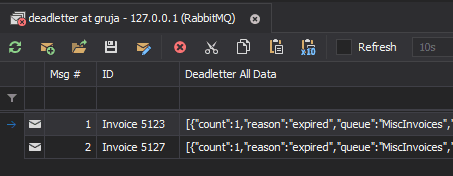
| Replay dead lettersRe-publish failed or dead-lettered messages back to a queue or exchange. | YesInspect dead-letter headers and replay | Not documented |
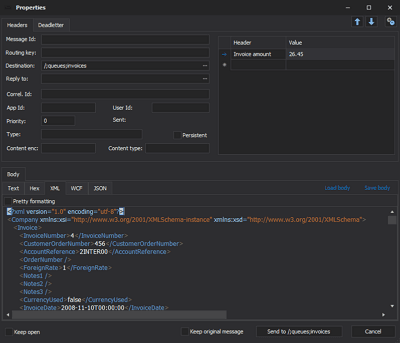
| Publish test messagesSend a message with custom headers and properties by hand. | YesEdit or create messages and send them to a queue or exchange | YesTest messages with custom headers |
| Watch live trafficSee messages as they flow through a queue without consuming them. | Not documented | Not documented |
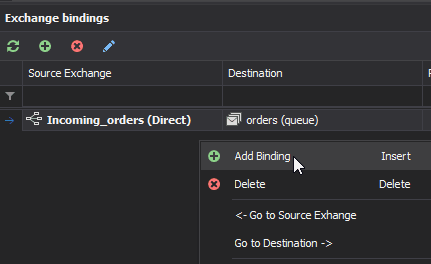
| Visual routing graphSee how exchanges, bindings, dead-letter and alternate exchanges connect. | Not documented | PartlyInspect and add bindings, no graph |
| Metrics & chartsMessage rates, queue depth and other time series. | PartlyMonitoring is a separate product (QueueMonitor) | YesLive streaming charts and history up to 24h |
| Backlog drain forecastEstimate when a queue backlog will be empty. | Not documented | Not documented |
| Many brokers in one placeSwitch between local, staging and production brokers without re-entering credentials. | YesServers organized in groups | NoOne broker per deployment |
| Bulk actionsAct on many queues or messages at once (purge, delete, move). | YesCopy, move, delete or save selected messages | Not documented |
| Policy debuggingUnderstand which policy applies to a queue and why. | Not documented | Not documented |
| Other brokersWorks with message brokers other than RabbitMQ (Azure Service Bus, MSMQ, ActiveMQ…). | YesAzure Service Bus, MSMQ (Windows only), ActiveMQ | No |
QueueExplorer: strengths and limitations
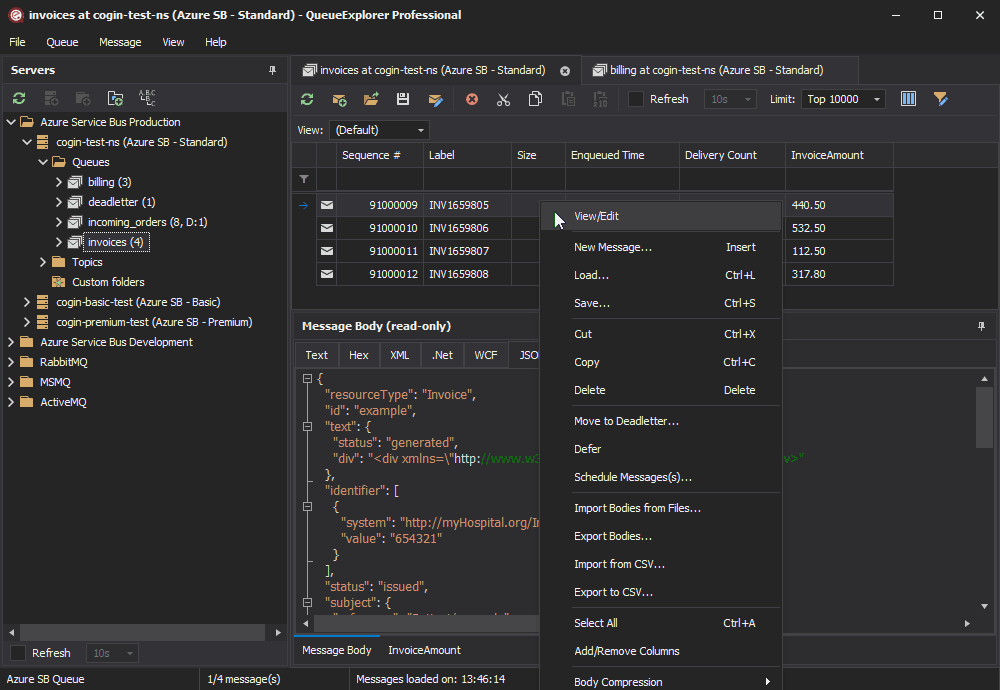
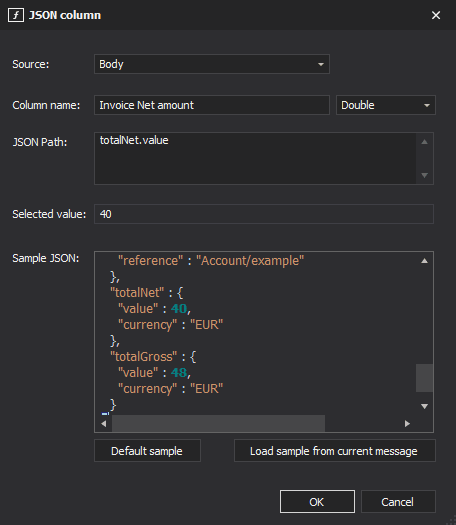
QueueExplorer by Cogin is a long-standing desktop tool for message-level work on several brokers. For RabbitMQ it loads queue messages progressively, browses streams by offset, filters on bodies and headers, and lets you edit, copy, move, save and replay messages.
Strengths
- Supports several brokers in one tool (RabbitMQ, Azure Service Bus, MSMQ, ActiveMQ)
- Mature message editing: edit, copy, move, save to files and reload
- Browses RabbitMQ streams by offset
- Free trial on every platform
Limitations
- Priced per computer: $149 (Standard) or $249 (Professional)
- Licence includes 12 months of updates, extra years are paid
- Advanced filtering (JSON/XPath/regex columns) requires Professional
- Focused on messages: no routing graph or drain forecast documented
RabbitScout: strengths and limitations
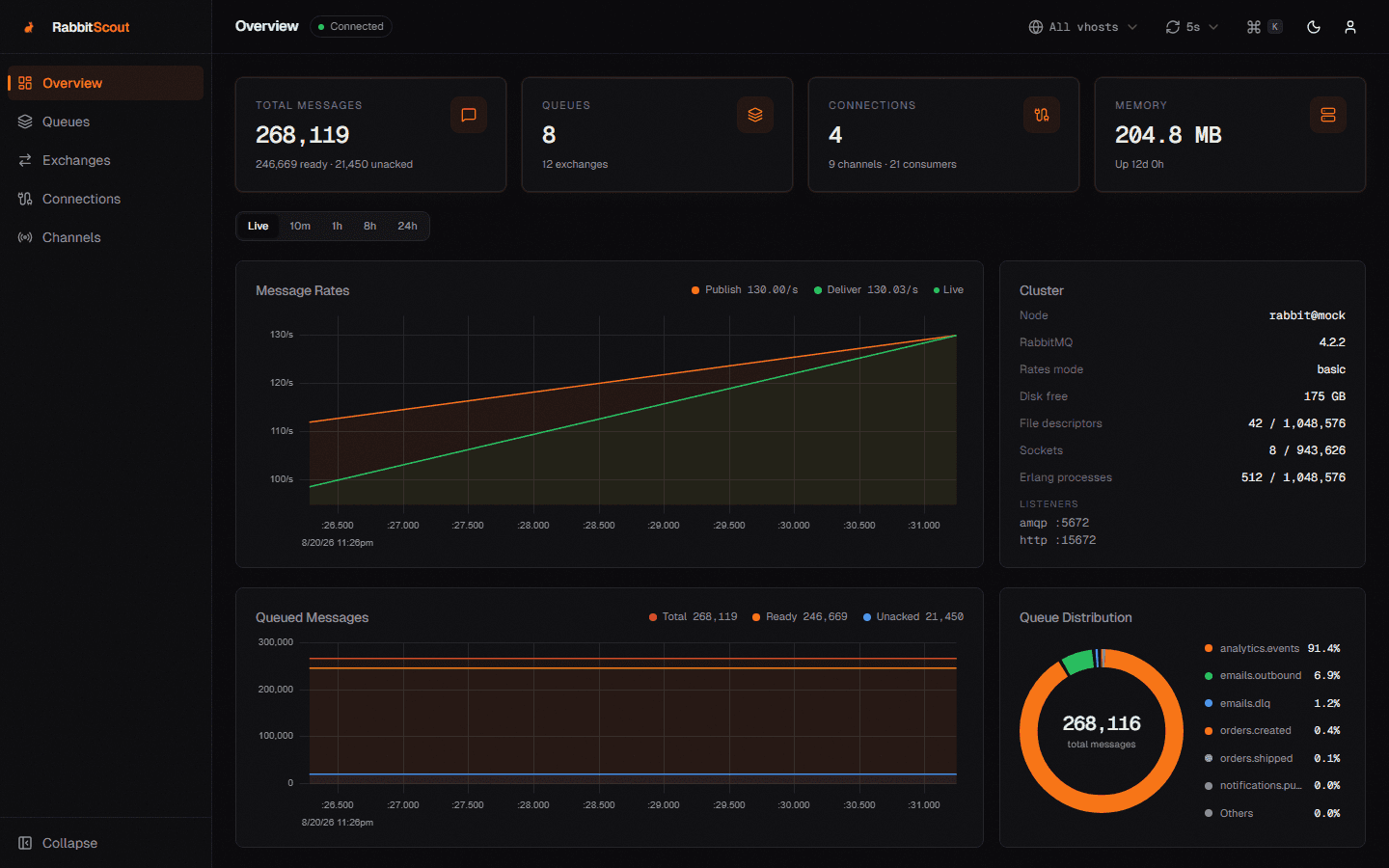
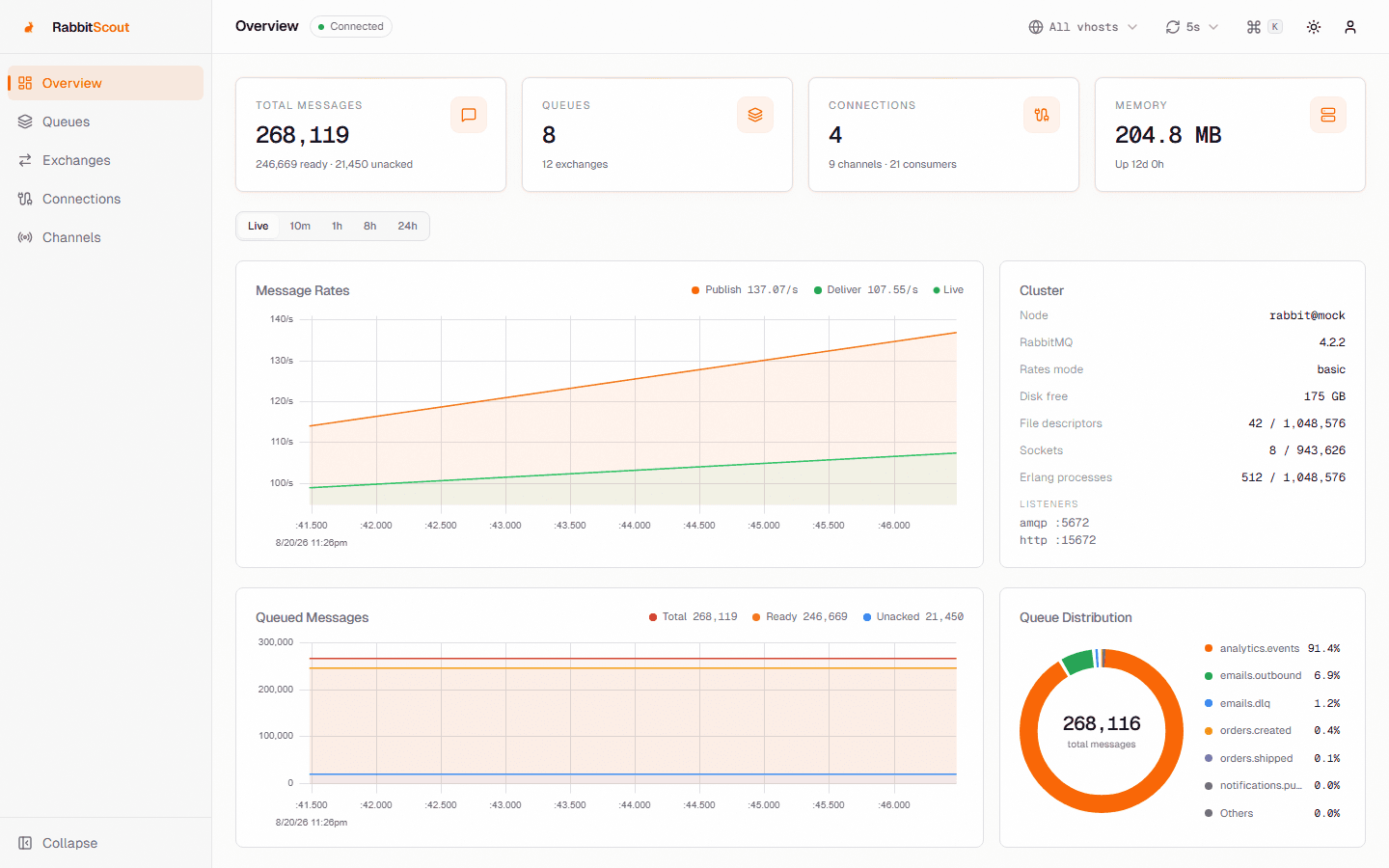
RabbitScout is an MIT-licensed Next.js dashboard that proxies the RabbitMQ management API. You deploy it (Node.js or Docker) next to a broker and each user logs in with their own RabbitMQ credentials. It offers live charts, queue and exchange management, message peeking and test publishing.
Strengths
- Free and open source (MIT)
- Modern, fast web UI with live charts and a command palette
- Shared by a whole team from one deployment
- Respects RabbitMQ user tags and permissions
Limitations
- You have to deploy, expose and maintain another web service
- One broker per deployment
- Message tooling is basic: peek and publish, no documented replay workflow
Setup and security
QueueExplorer. Install the desktop app and create a connection (host, vhost, port, credentials). A free trial is available. Desktop app that connects directly to your broker.
RabbitScout. Deploy the Docker image (or Node.js app) with RABBITMQ_HOST/PORT/PROTOCOL environment variables, then open it in a browser. Pass-through auth: credentials are checked against the broker and kept in an httpOnly session cookie. You run and secure the extra web service yourself.
Pricing
- QueueExplorer: $149 per computer (Standard) or $249 (Professional)
- RabbitScout: Free
Should you choose QueueExplorer or RabbitScout?
Choose QueueExplorer if…
You work on individual messages, or use several broker technologies.
Choose RabbitScout if…
You want a free shared dashboard for a single RabbitMQ broker.
A third option: RabbitGUI
If what you really need is to debug messages (browse a queue without losing anything, filter and replay dead letters, watch live traffic), RabbitGUI is a native desktop app built for exactly that. Compare it with QueueExplorer and RabbitScout.
FAQ
No. QueueExplorer costs $149 per computer (Standard) or $249 (Professional).
Yes. Free.
Yes, each one connects to your broker independently. A common split is QueueExplorer when you work on individual messages, or use several broker technologies, and RabbitScout when you want a free shared dashboard for a single RabbitMQ broker.
QueueExplorer: yes (Windows, macOS, Linux). RabbitScout: yes (Self-hosted (Node.js or Docker), any browser).
QueueExplorer lets you inspect and republish dead-lettered messages, while RabbitScout does not offer a replay workflow.
Related comparisons
Facts last verified on 2026-11-02. Sources: Cogin: pricing, Cogin: RabbitMQ GUI, GitHub: Ralve-org/RabbitScout. Spotted something outdated? Email nicolas@tggl.io and we will fix it.