RabbitMQ Management UI vs rabbitmqadmin
An honest, feature-by-feature comparison of RabbitMQ Management UI and rabbitmqadmin: message browsing, dead letters, live traffic, platforms and pricing.
Quick verdict
Same API, two interfaces: the Management UI for clicking around, rabbitmqadmin for scripting. Both share the same limits on message browsing ("get" consumes and requeues).
At a glance
| RabbitMQ Management UI | rabbitmqadmin | |
|---|---|---|
| Type | Web UI | CLI |
| Runs on | Any browser | macOS, Windows, Linux |
| Price | Free (bundled with RabbitMQ) | Free |
| Open source | Yes (MPL 2.0) | Yes (Open source (RabbitMQ project)) |
| Made by | RabbitMQ team (Broadcom) | RabbitMQ team (Broadcom) |
| Best for | Broker administration (users, permissions, policies) and quick checks when nothing else is installed. | Scripting, CI pipelines and server-side automation. |
Feature by feature
| Capability | Management UI | rabbitmqadmin |
|---|---|---|
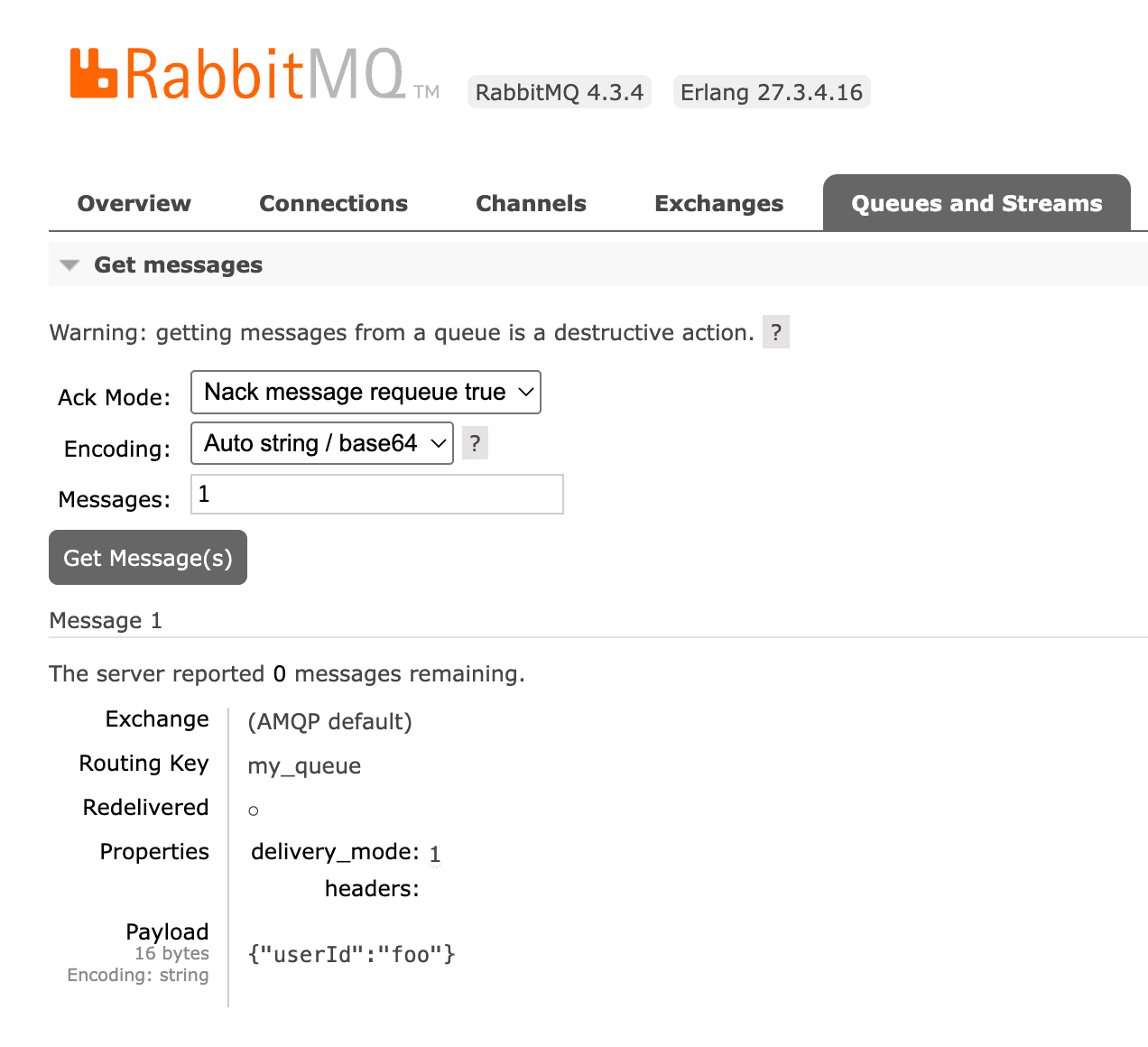
| Browse messages safelyLook at the messages sitting in a queue without losing them or disturbing consumers. | Partly"Get messages" consumes messages and optionally requeues them, which changes order and redelivery flags | Partly"get" consumes and optionally requeues, like the Management UI |
| Search & filter messagesFind specific messages by body, headers or properties instead of paging through them one by one. | NoNo message search or filtering | NoPipe the output to grep or jq |
| Replay dead lettersRe-publish failed or dead-lettered messages back to a queue or exchange. | PartlyOnly with the shovel plugin ("Move messages"), whole queue at a time | PartlyScriptable by hand |
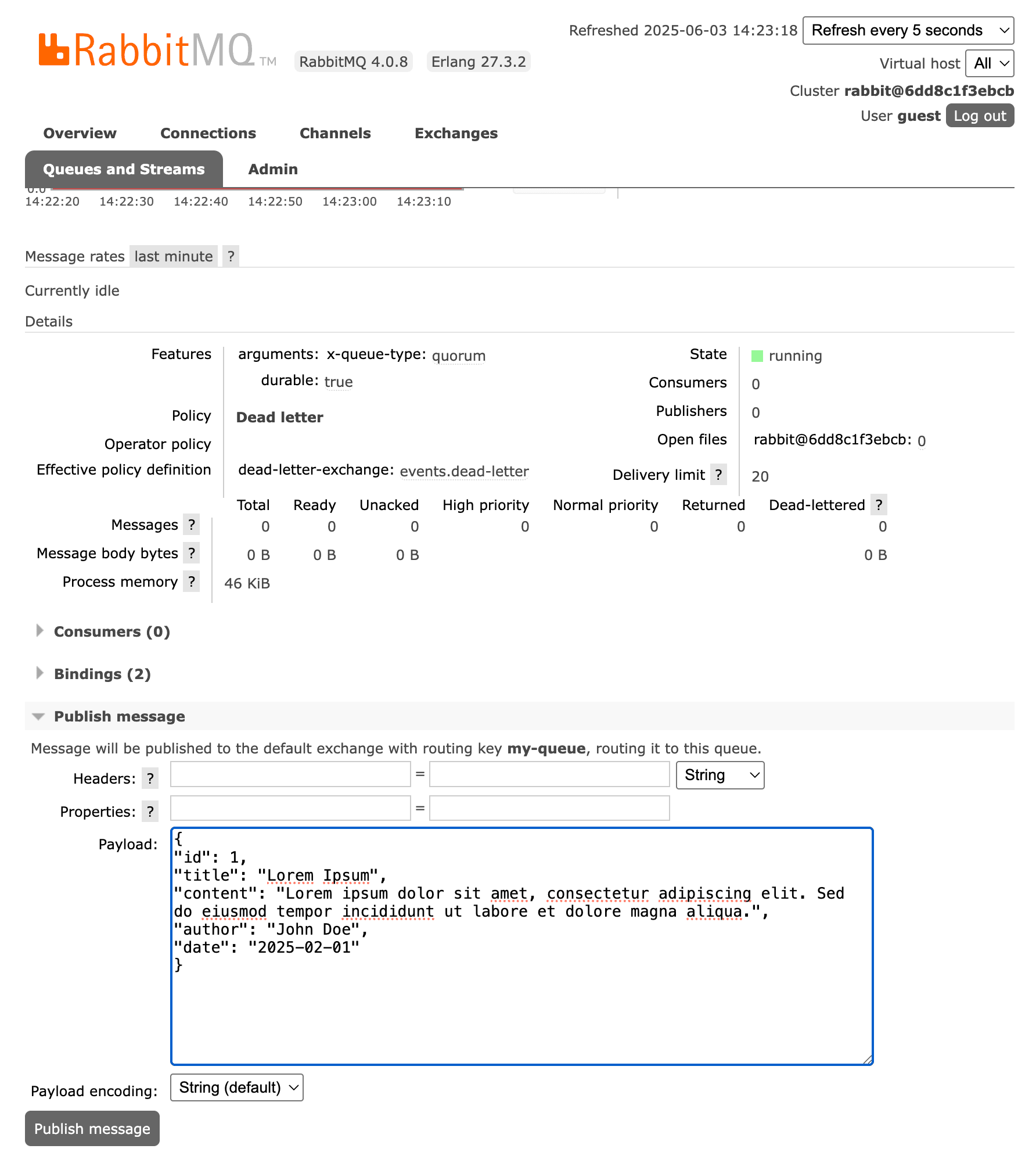
| Publish test messagesSend a message with custom headers and properties by hand. | YesBasic form with headers and properties | Yes |
| Watch live trafficSee messages as they flow through a queue without consuming them. | No | No |
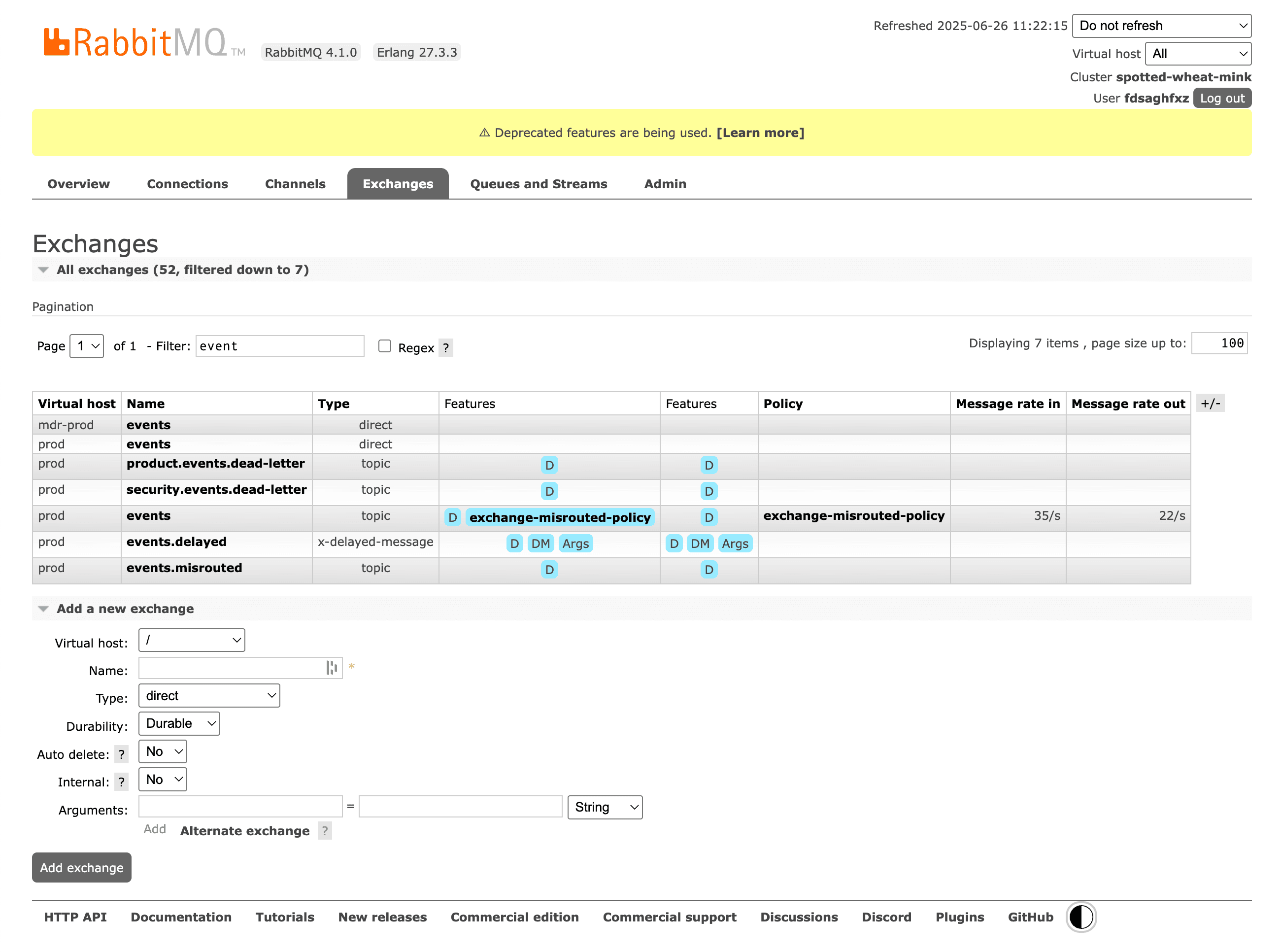
| Visual routing graphSee how exchanges, bindings, dead-letter and alternate exchanges connect. | PartlyBindings listed per exchange or queue, no graph | No |
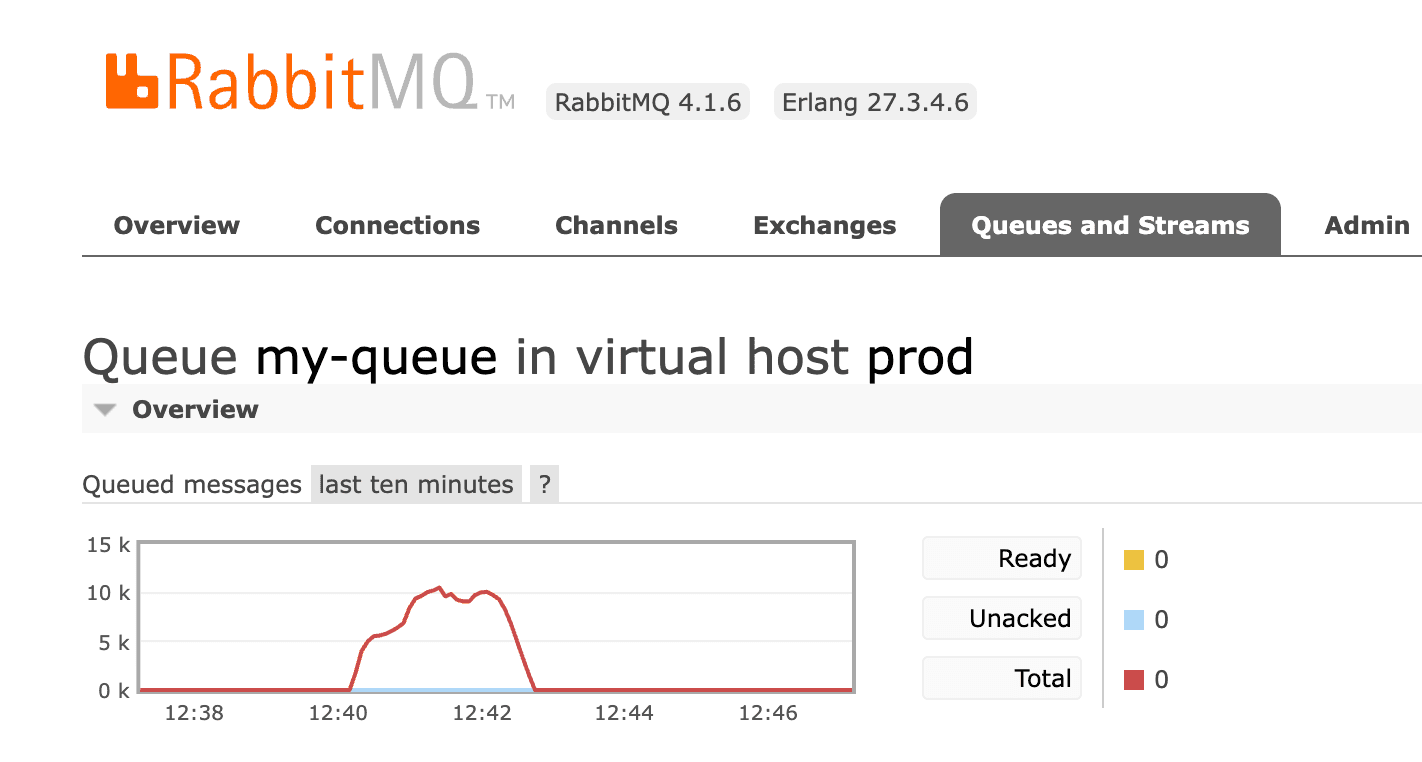
| Metrics & chartsMessage rates, queue depth and other time series. | YesBasic rate and depth charts | PartlyRaw numbers, no charts |
| Backlog drain forecastEstimate when a queue backlog will be empty. | No | No |
| Many brokers in one placeSwitch between local, staging and production brokers without re-entering credentials. | NoOne broker per browser tab, log in to each | PartlyNamed nodes in a config file |
| Bulk actionsAct on many queues or messages at once (purge, delete, move). | No | PartlyScriptable |
| Policy debuggingUnderstand which policy applies to a queue and why. | PartlyShows the effective policy of each queue, but not why others did not match | PartlyList and declare policies |
| Other brokersWorks with message brokers other than RabbitMQ (Azure Service Bus, MSMQ, ActiveMQ…). | No | No |
RabbitMQ Management UI: strengths and limitations
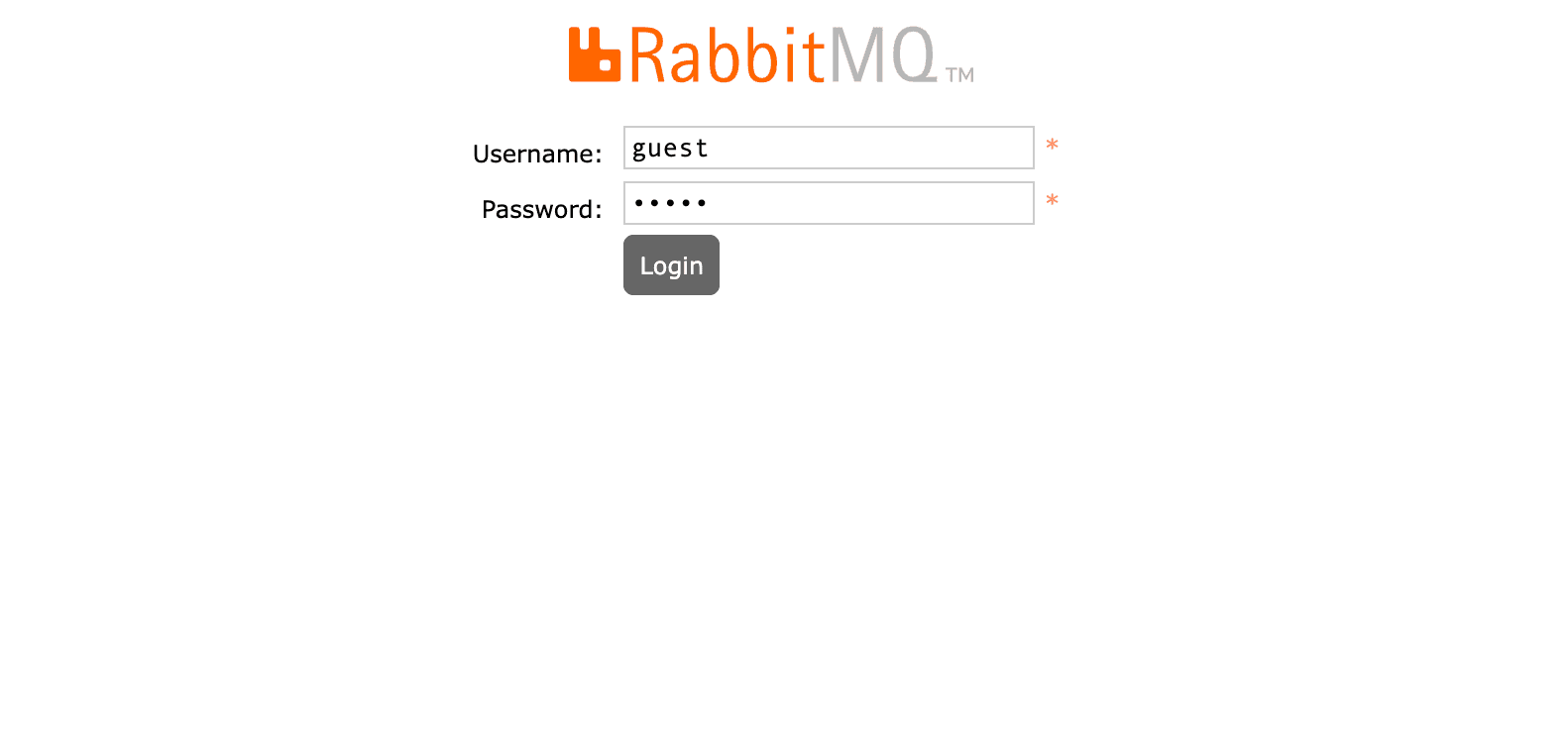
The Management UI ships with RabbitMQ as the rabbitmq_management plugin and is served on port 15672. It covers broker administration well: users, vhosts, permissions, policies, queues, exchanges, connections and basic charts.
Strengths
- Free and already installed with most RabbitMQ setups
- Complete administration: users, vhosts, permissions, policies, feature flags
- Officially maintained by the RabbitMQ team
- Works from any browser, nothing to install on your machine
Limitations
- No safe way to browse a queue: "Get messages" is a consume plus requeue
- No message search, filtering or selective replay
- One broker at a time, credentials re-entered per environment
- Slow and cluttered with thousands of queues
rabbitmqadmin: strengths and limitations
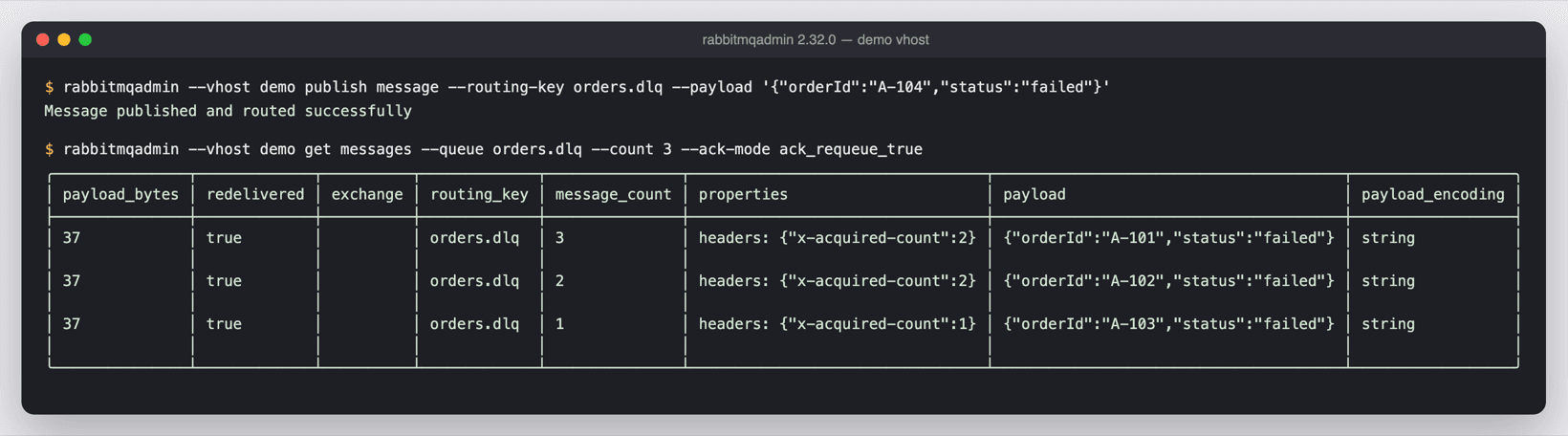
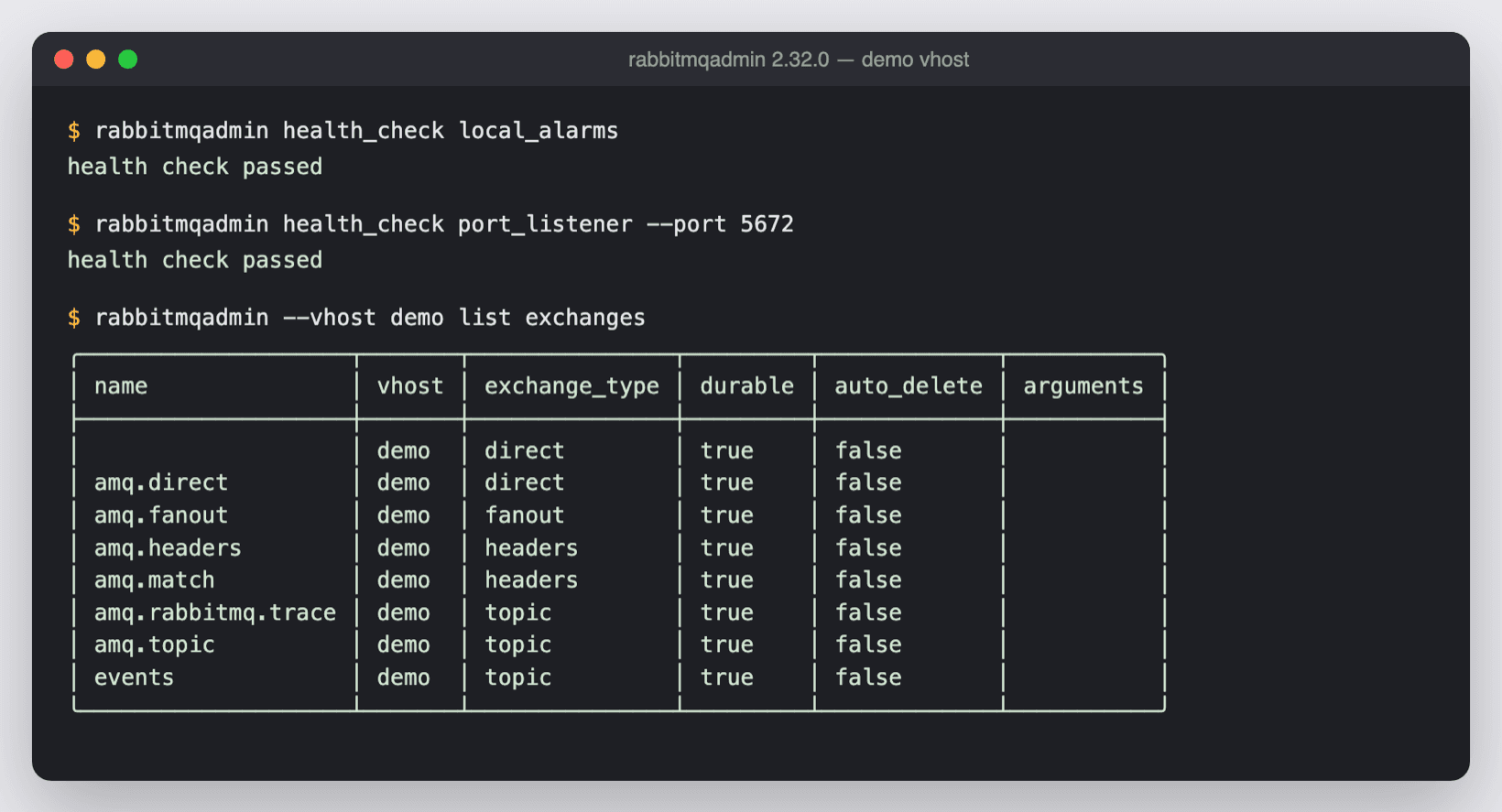
rabbitmqadmin is the official CLI for the RabbitMQ HTTP API. It lists and declares queues, exchanges and bindings, publishes and gets messages, and exports or imports definitions, which makes it ideal for scripts and CI.
Strengths
- Free and official
- Perfect for automation, CI and definitions import/export
- Works over SSH and in containers
Limitations
- Text output: inspecting payloads and routing is tedious
- Same destructive "get" as the Management UI
- No visual overview of routing or queue health
Setup and security
RabbitMQ Management UI. Run `rabbitmq-plugins enable rabbitmq_management` (already on in the `-management` Docker images), then open http://localhost:15672. Served by the broker itself. Exposing port 15672 beyond localhost or a VPN needs TLS and proper user tags.
rabbitmqadmin. Download the binary and point it at the management API. Uses the management API with the credentials you pass.
Pricing
- RabbitMQ Management UI: Free (bundled with RabbitMQ)
- rabbitmqadmin: Free
Should you choose Management UI or rabbitmqadmin?
Choose RabbitMQ Management UI if…
You prefer a visual interface for occasional tasks.
Choose rabbitmqadmin if…
You automate tasks or work over SSH and in CI.
A third option: RabbitGUI
If what you really need is to debug messages (browse a queue without losing anything, filter and replay dead letters, watch live traffic), RabbitGUI is a native desktop app built for exactly that. Compare it with RabbitMQ Management UI and rabbitmqadmin.
FAQ
Yes. Free (bundled with RabbitMQ).
Yes. Free.
Yes, each one connects to your broker independently. A common split is Management UI when you prefer a visual interface for occasional tasks, and rabbitmqadmin when you automate tasks or work over SSH and in CI.
RabbitMQ Management UI: yes (Any browser). rabbitmqadmin: yes (macOS, Windows, Linux).
Neither offers a full replay workflow. A desktop client such as RabbitGUI lets you filter and republish dead letters selectively.
Related comparisons
Facts last verified on 2026-11-02. Sources: RabbitMQ docs: Management Plugin, RabbitMQ docs: management CLI. Spotted something outdated? Email nicolas@tggl.io and we will fix it.