RabbitGUI vs RabbitMQ UI (Chrome extension)
An honest, feature-by-feature comparison of RabbitGUI and RabbitMQ UI (Chrome extension): message browsing, dead letters, live traffic, platforms and pricing.
Quick verdict
The RabbitMQ UI extension makes JSON easier to read inside the Management UI, but it inherits all of its limits. RabbitGUI replaces that workflow entirely, with safe browsing, search, replay, live spying and multi-environment support.
Disclosure: we make RabbitGUI. We list where the other tool is the better choice, and every competitor fact links to its source.
At a glance
| RabbitGUI | RabbitMQ UI (Chrome extension) | |
|---|---|---|
| Type | Desktop app | Browser extension |
| Runs on | macOS, Windows, Linux | Chrome |
| Price | 29€ one-time, free updates forever | Free |
| Open source | No | No |
| Made by | RabbitGUI | Community (Chrome Web Store) |
| Best for | Developers who debug RabbitMQ queues, messages and dead letters regularly and want a fast desktop tool. | People who are happy with the Management UI and only want nicer JSON handling. |
Feature by feature
| Capability | RabbitGUI | RabbitMQ UI extension |
|---|---|---|
| Browse messages safelyLook at the messages sitting in a queue without losing them or disturbing consumers. | YesCopies messages to a local store, with requeue or removal, then lets you inspect them at no cost to the broker | PartlySame "Get messages" as the Management UI, with JSON formatting |
| Search & filter messagesFind specific messages by body, headers or properties instead of paging through them one by one. | YesSearch and filter extracted messages | No |
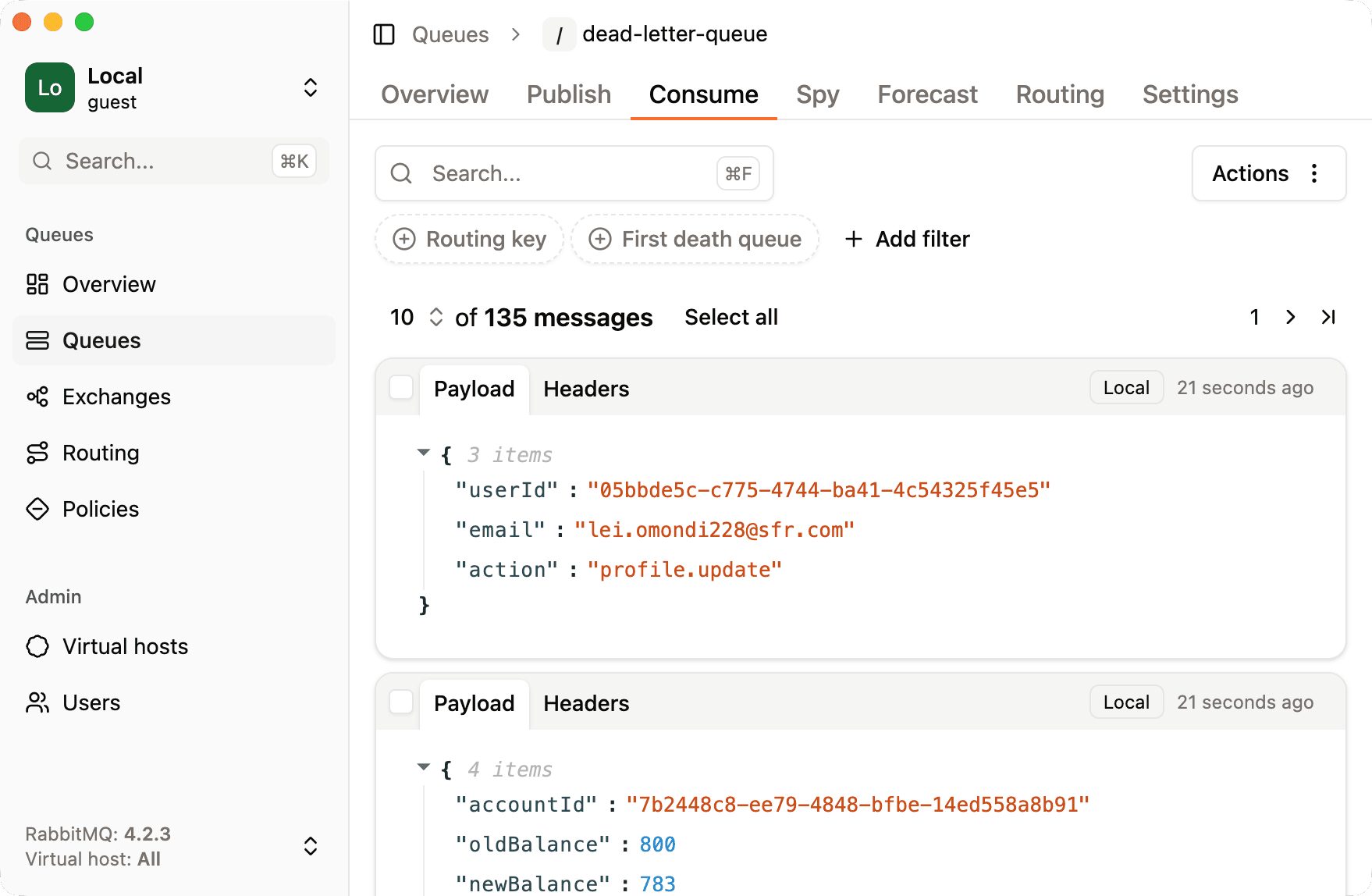
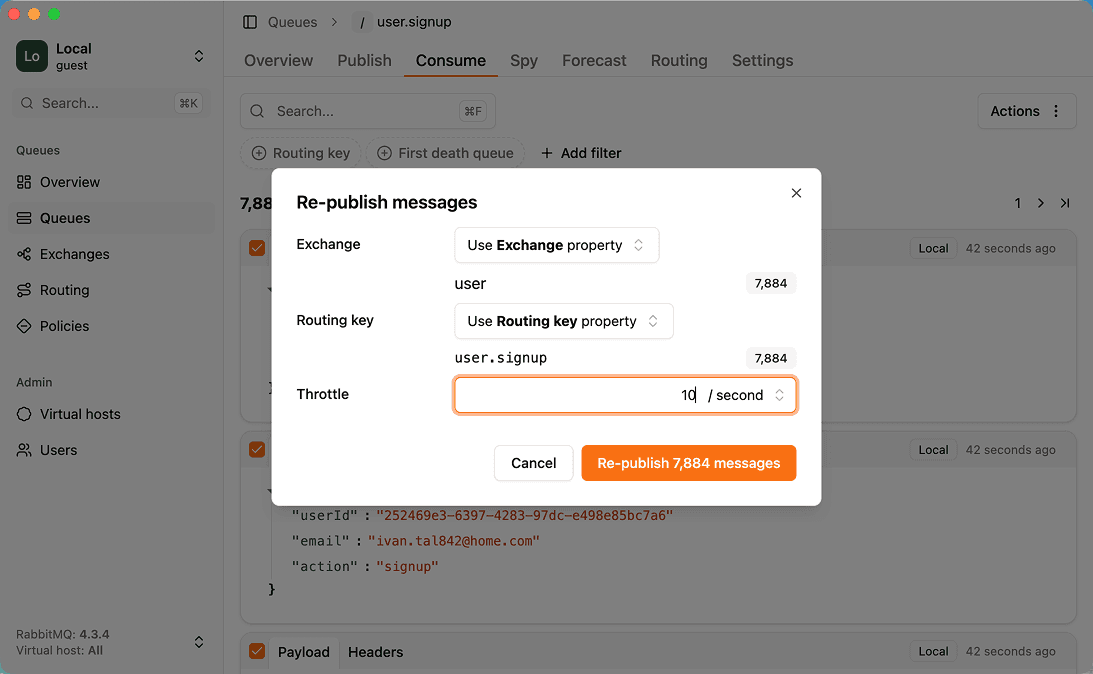
| Replay dead lettersRe-publish failed or dead-lettered messages back to a queue or exchange. | YesRepublish selected messages anywhere, with throttling | No |
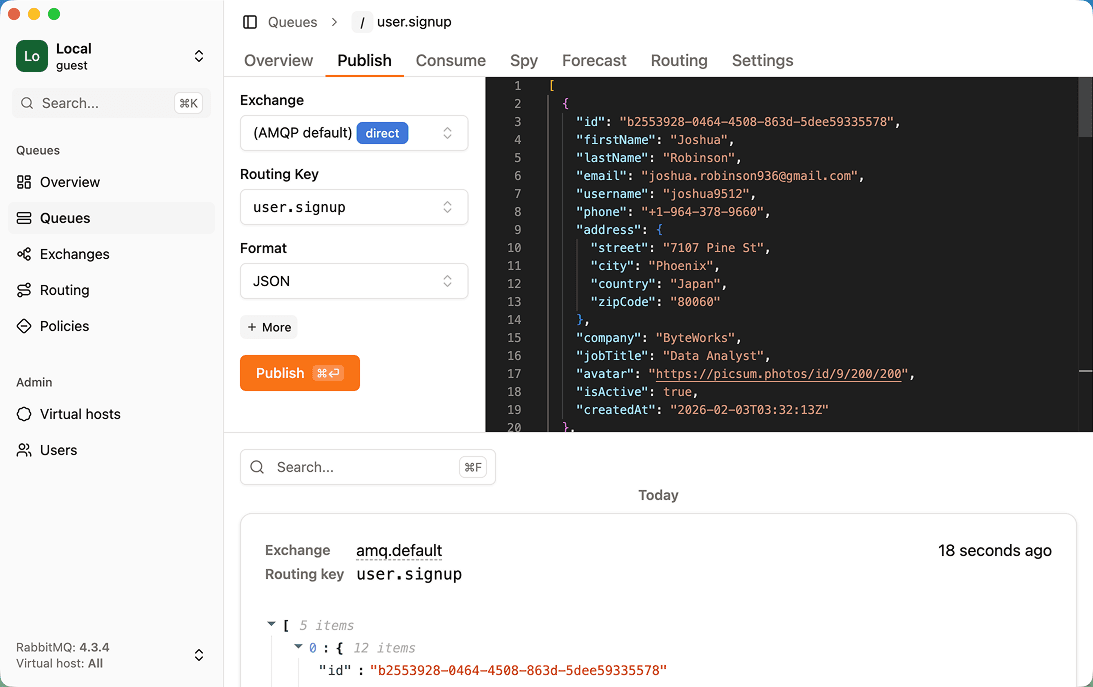
| Publish test messagesSend a message with custom headers and properties by hand. | YesVS Code-style JSON editor | YesRemembers the last message per queue |
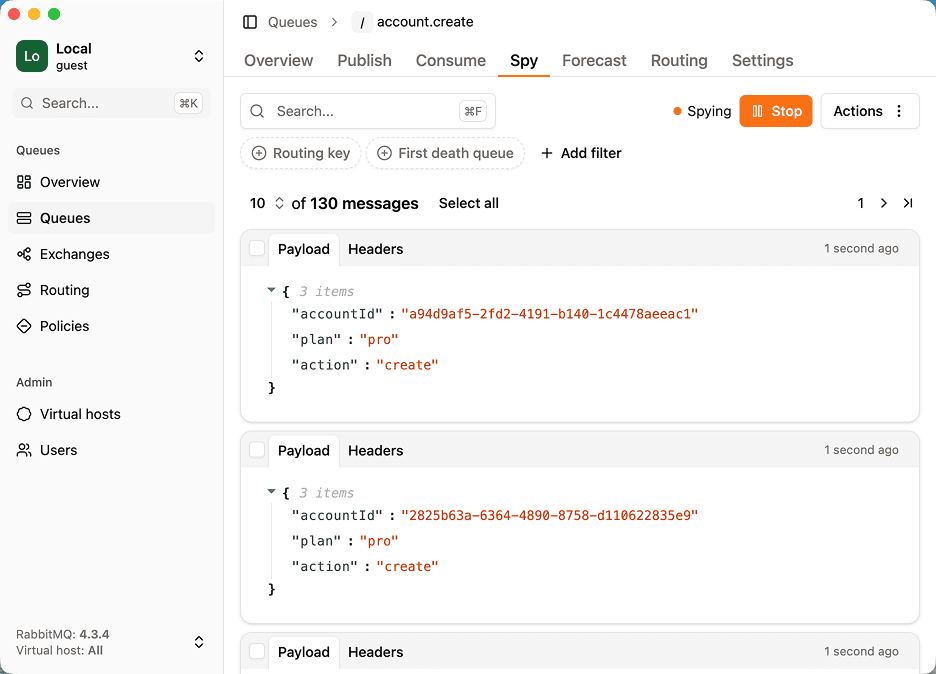
| Watch live trafficSee messages as they flow through a queue without consuming them. | YesNon-destructive spy using a temporary shadow queue | No |
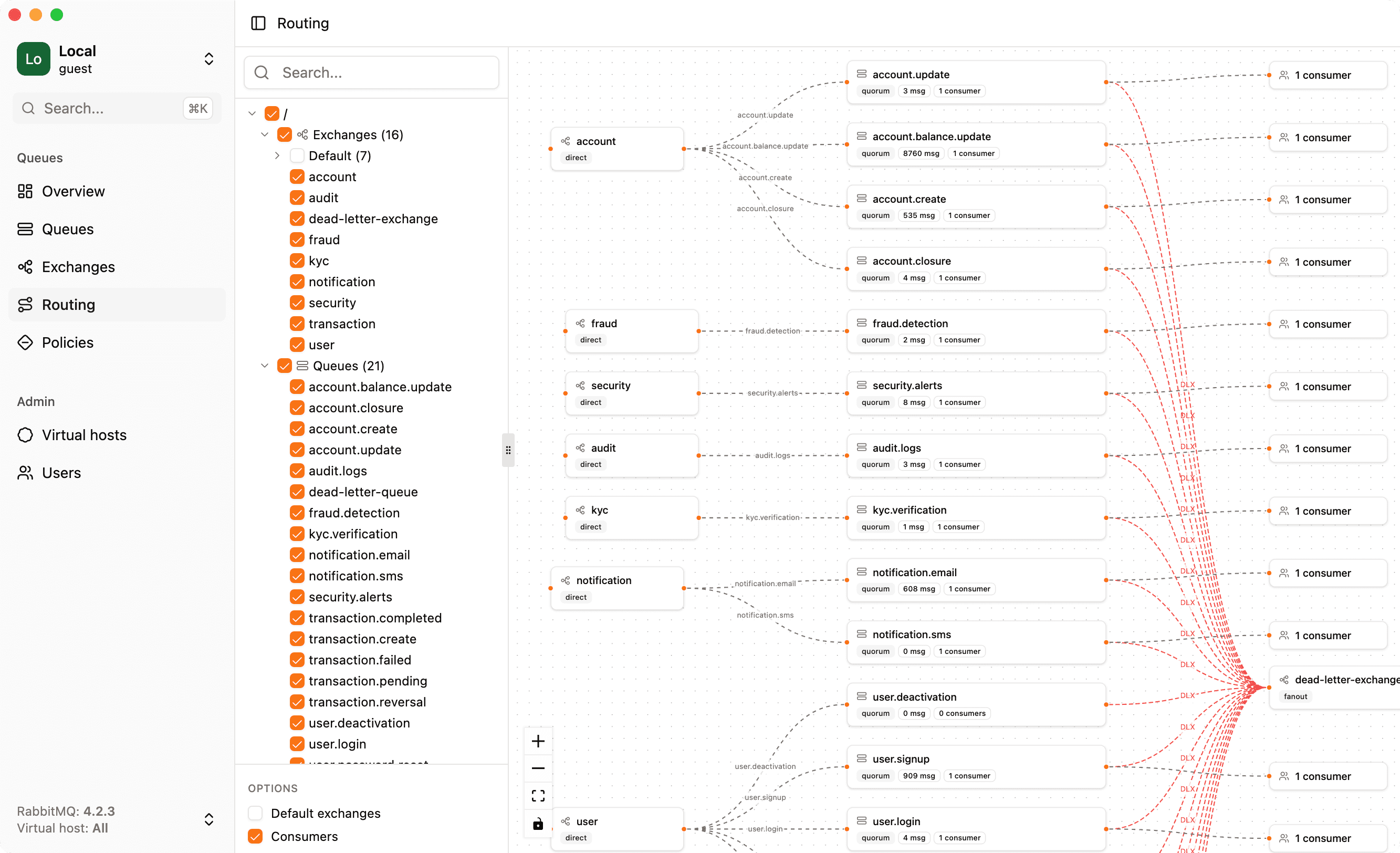
| Visual routing graphSee how exchanges, bindings, dead-letter and alternate exchanges connect. | YesInteractive graph including dead-letter and alternate exchanges | No |
| Metrics & chartsMessage rates, queue depth and other time series. | YesTime series explorer with zoom | PartlyManagement UI charts |
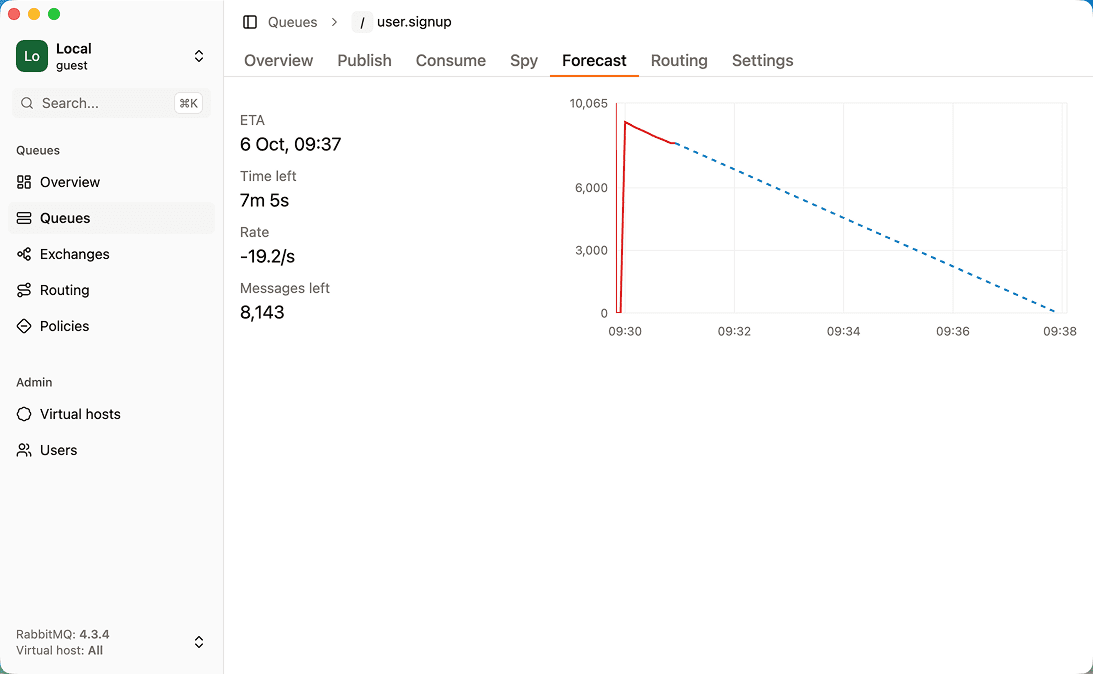
| Backlog drain forecastEstimate when a queue backlog will be empty. | YesDrain-time estimate based on linear regression | No |
| Many brokers in one placeSwitch between local, staging and production brokers without re-entering credentials. | YesOne-click switching | No |
| Bulk actionsAct on many queues or messages at once (purge, delete, move). | YesBulk purge and other bulk actions | No |
| Policy debuggingUnderstand which policy applies to a queue and why. | YesDedicated policy debugger | No |
| Other brokersWorks with message brokers other than RabbitMQ (Azure Service Bus, MSMQ, ActiveMQ…). | NoRabbitMQ only | No |
RabbitGUI: strengths and limitations
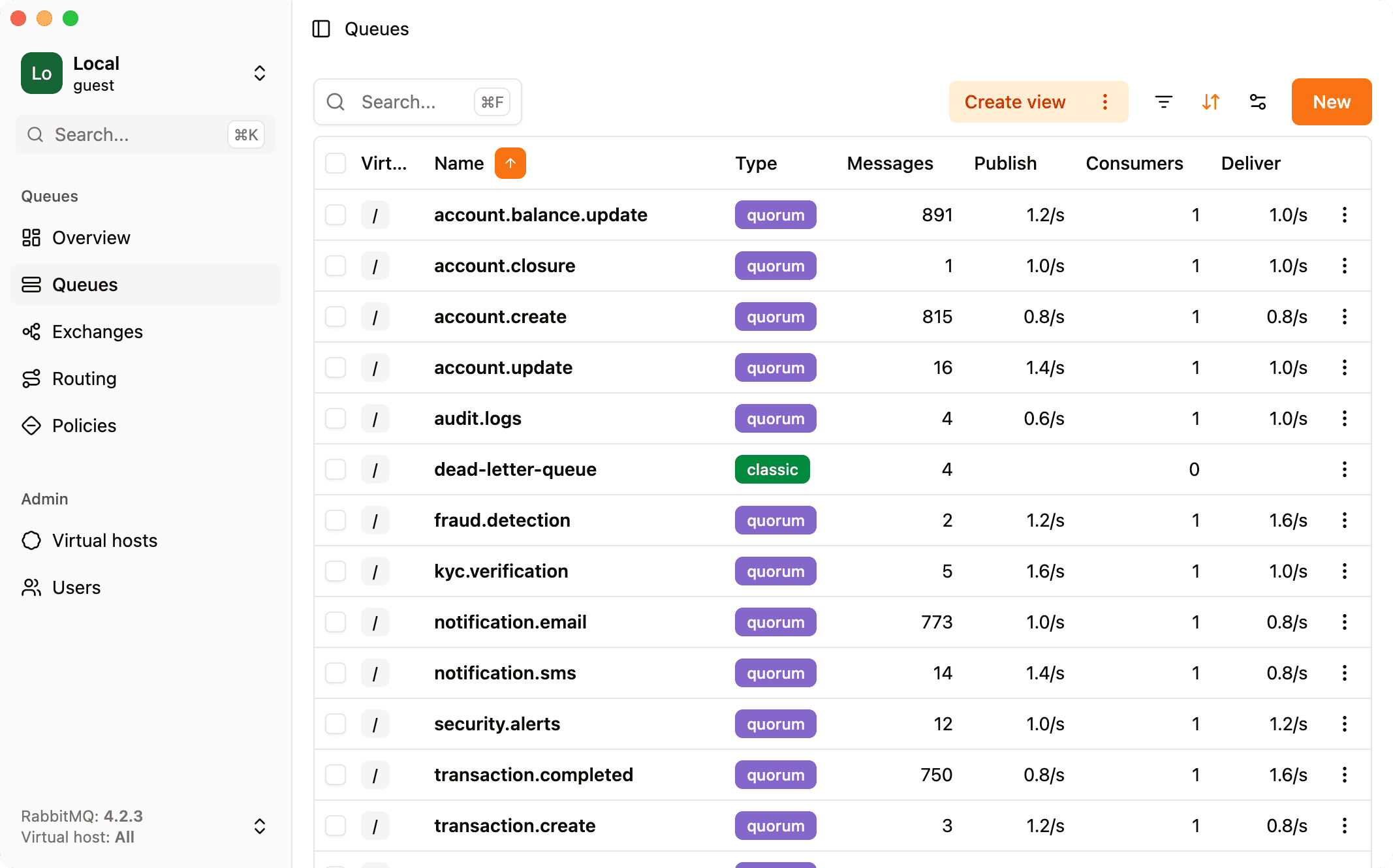
RabbitGUI is a desktop app for macOS, Windows and Linux that connects to your brokers through the management API. It focuses on day-to-day debugging: browsing and filtering messages, replaying dead letters, spying on live traffic, and visualizing routing.
Strengths
- Dead-letter workflow: inspect, filter and republish failed messages with throttling
- Non-destructive live spy on any queue
- Routing graph, drain-time forecast and policy debugger are unique among RabbitMQ tools
- Native app on macOS, Windows and Linux with nothing to deploy
- Low one-time price with free updates forever and a 30-day refund
Limitations
- Paid (no free tier or trial, a 30-day money-back guarantee instead)
- RabbitMQ only
- Needs the management plugin enabled, like most RabbitMQ tools
- Not a team-wide always-on dashboard: it runs on each developer machine
RabbitMQ UI (Chrome extension): strengths and limitations
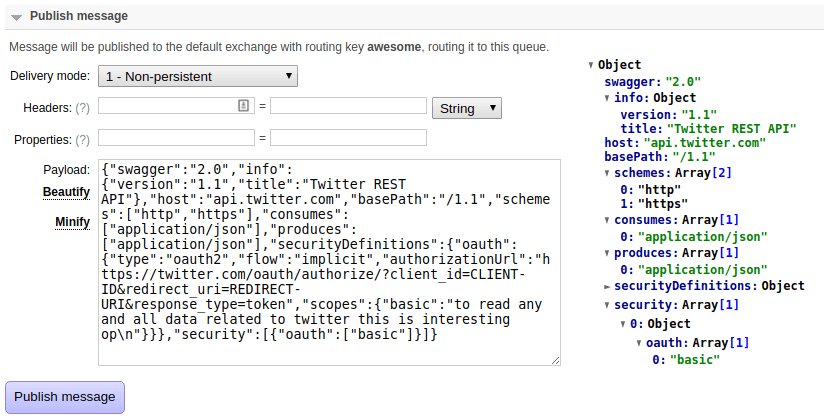
The "RabbitMQ UI" Chrome extension adds conveniences to the management web console: it remembers the last message published to each queue and parses, beautifies and minifies JSON payloads.
Strengths
- Free and installs in seconds
- Makes JSON payloads readable in the Management UI
Limitations
- Only tweaks the Management UI, so it inherits all its limits
- Chrome only
- Rarely updated (last listed update in 2023)
Setup and security
RabbitGUI. Install the desktop app and add a connection (management URL, credentials, optional AMQP URI). Nothing to deploy next to the broker. Runs locally and talks directly to your broker. No server in the middle, credentials stay on your machine.
RabbitMQ UI (Chrome extension). Install from the Chrome Web Store and open the Management UI. Runs inside the Management UI pages in your browser.
Pricing
- RabbitGUI: 29€ one-time, free updates forever
- RabbitMQ UI (Chrome extension): Free
Should you choose RabbitGUI or RabbitMQ UI extension?
Choose RabbitGUI if…
You want a real debugging tool rather than a cosmetic upgrade.
Choose RabbitMQ UI (Chrome extension) if…
You only want prettier JSON in the Management UI and nothing else.
FAQ
No. RabbitGUI costs 29€ one-time, free updates forever.
Yes. Free.
Yes, each one connects to your broker independently. A common split is RabbitGUI when you want a real debugging tool rather than a cosmetic upgrade, and RabbitMQ UI extension when you only want prettier JSON in the Management UI and nothing else.
RabbitGUI: yes (macOS, Windows, Linux). RabbitMQ UI (Chrome extension): Chrome.
RabbitGUI lets you inspect and republish dead-lettered messages, while RabbitMQ UI (Chrome extension) does not offer a replay workflow.
Related comparisons
Facts last verified on 2026-11-02. Sources: rabbitgui.com, Chrome Web Store listing. Spotted something outdated? Email nicolas@tggl.io and we will fix it.