RabbitMQ desktop clients compared (2026)
Desktop clients run on your machine and connect straight to your brokers: nothing to deploy, and they can keep many environments at hand. There are only a few serious RabbitMQ desktop clients, so here is how they compare.
Disclosure: we make RabbitGUI. Competitor facts are sourced at the bottom of the page.
How we compared them
- Platforms and installation
- Message browsing, search and replay
- RabbitMQ-specific tooling (routing, policies, live traffic)
- Price and update policy
Quick comparison
| Capability | RabbitGUI | QueueExplorer | rabbitmqadmin |
|---|---|---|---|
| Browse messages safelyLook at the messages sitting in a queue without losing them or disturbing consumers. | YesCopies messages to a local store, with requeue or removal, then lets you inspect them at no cost to the broker | YesProgressive loading with a configurable limit, streams by offset | Partly"get" consumes and optionally requeues, like the Management UI |
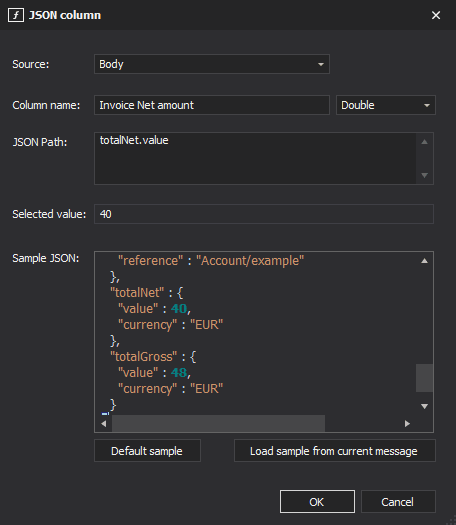
| Search & filter messagesFind specific messages by body, headers or properties instead of paging through them one by one. | YesSearch and filter extracted messages | YesFilter loaded messages, Professional extracts values with JSON, XPath or regex | NoPipe the output to grep or jq |
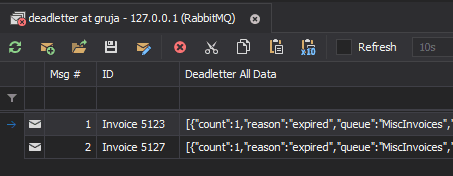
| Replay dead lettersRe-publish failed or dead-lettered messages back to a queue or exchange. | YesRepublish selected messages anywhere, with throttling | YesInspect dead-letter headers and replay | PartlyScriptable by hand |
| Watch live trafficSee messages as they flow through a queue without consuming them. | YesNon-destructive spy using a temporary shadow queue | Not documented | No |
| Visual routing graphSee how exchanges, bindings, dead-letter and alternate exchanges connect. | YesInteractive graph including dead-letter and alternate exchanges | Not documented | No |
| Backlog drain forecastEstimate when a queue backlog will be empty. | YesDrain-time estimate based on linear regression | Not documented | No |
| Policy debuggingUnderstand which policy applies to a queue and why. | YesDedicated policy debugger | Not documented | PartlyList and declare policies |
| Other brokersWorks with message brokers other than RabbitMQ (Azure Service Bus, MSMQ, ActiveMQ…). | NoRabbitMQ only | YesAzure Service Bus, MSMQ (Windows only), ActiveMQ | No |
1. RabbitGUI
Desktop app · macOS, Windows, Linux · 29€ one-time, free updates forever
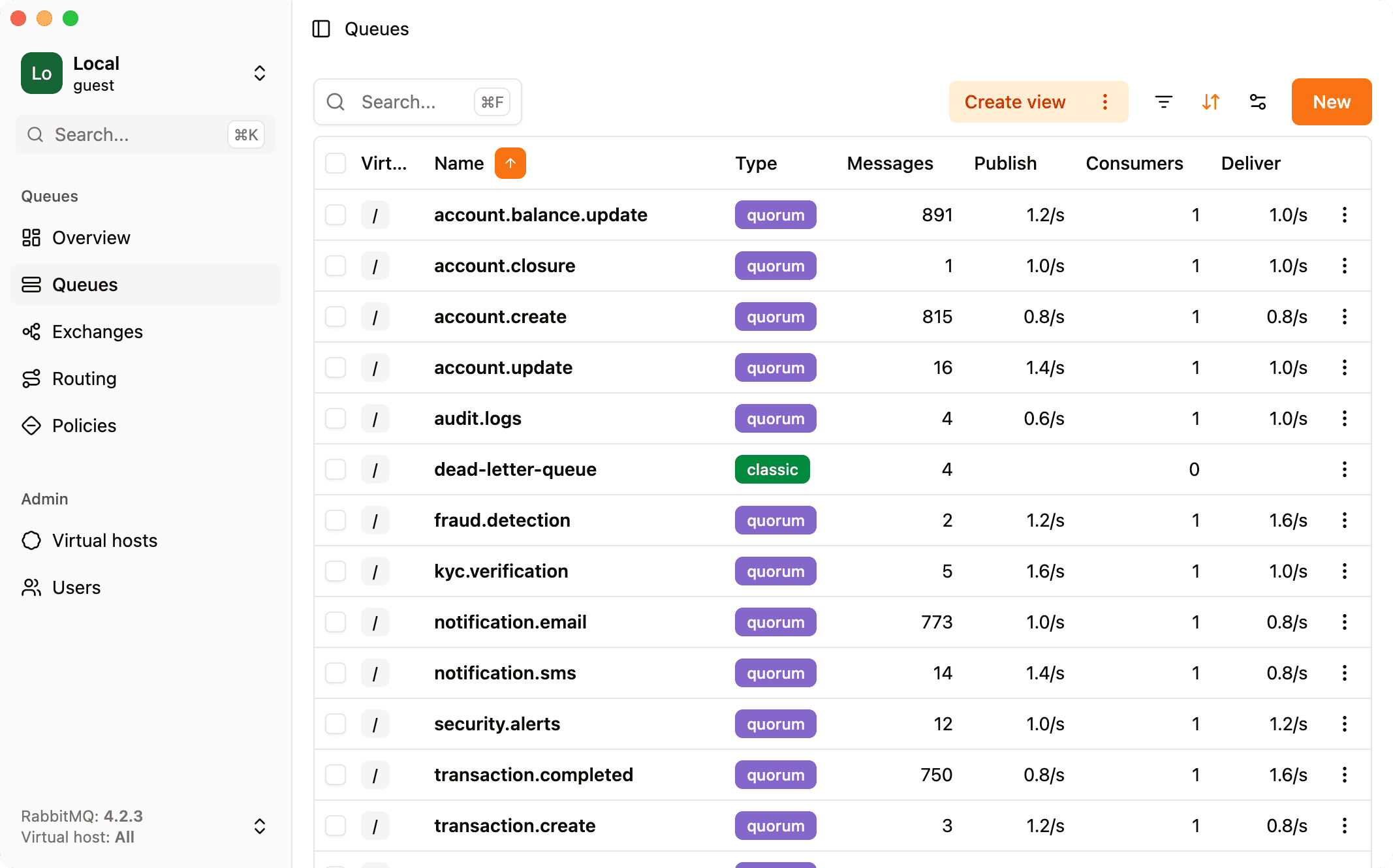
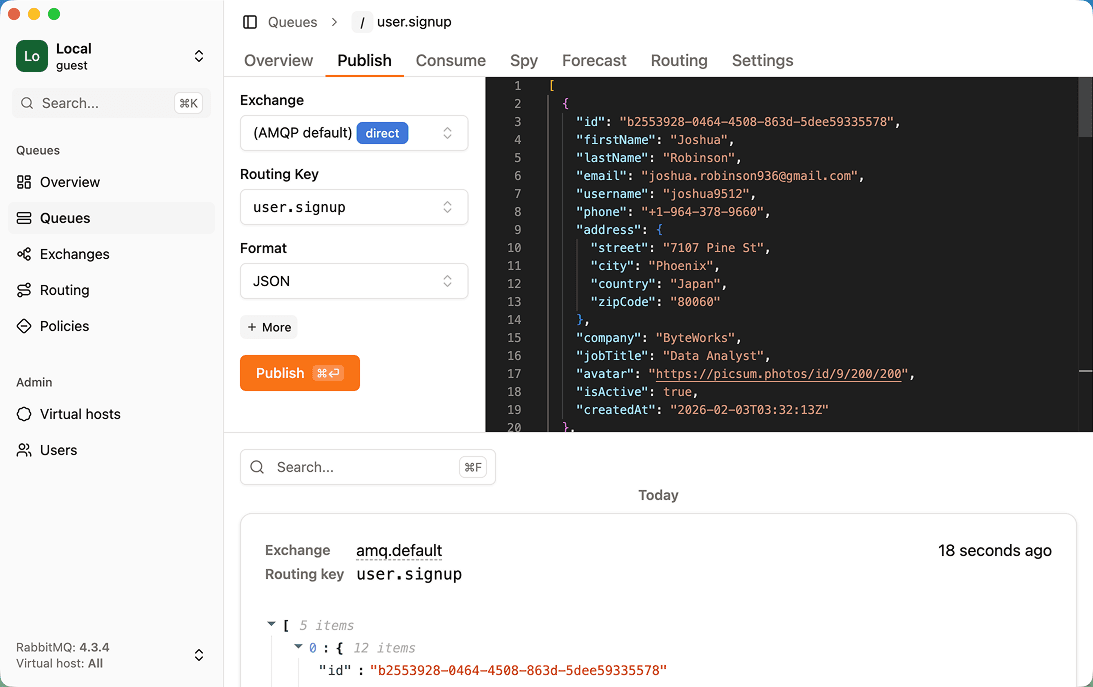
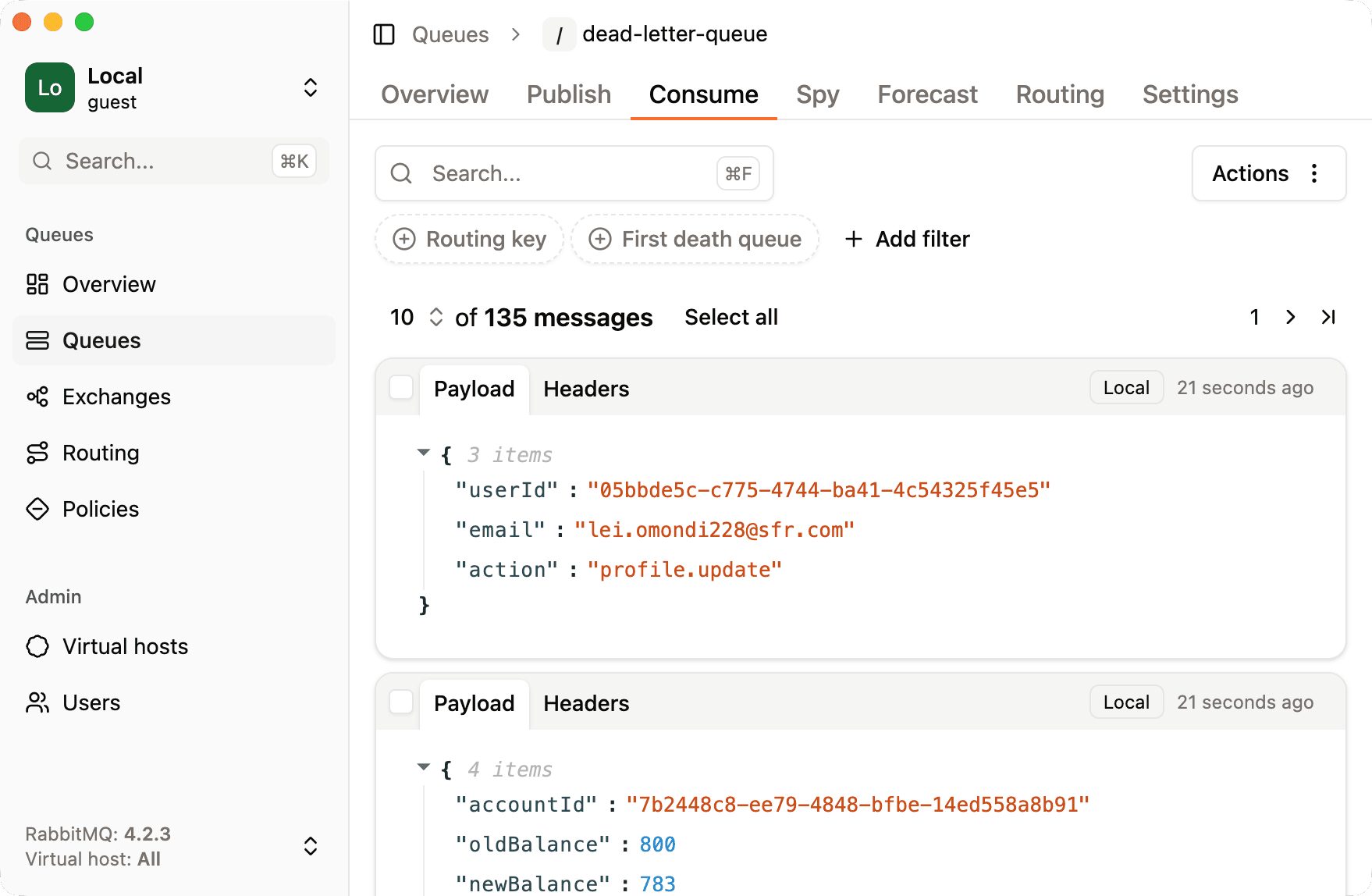
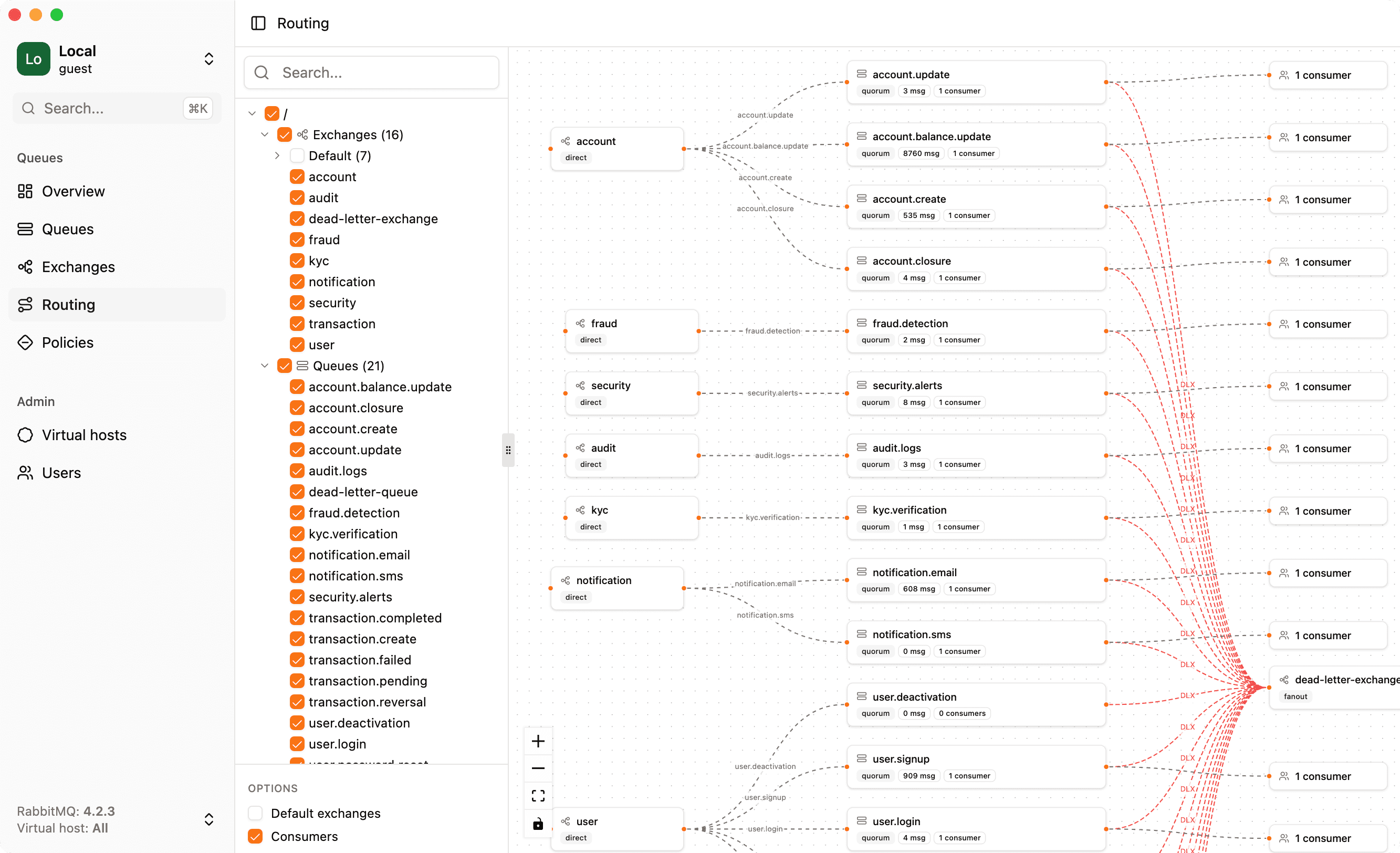
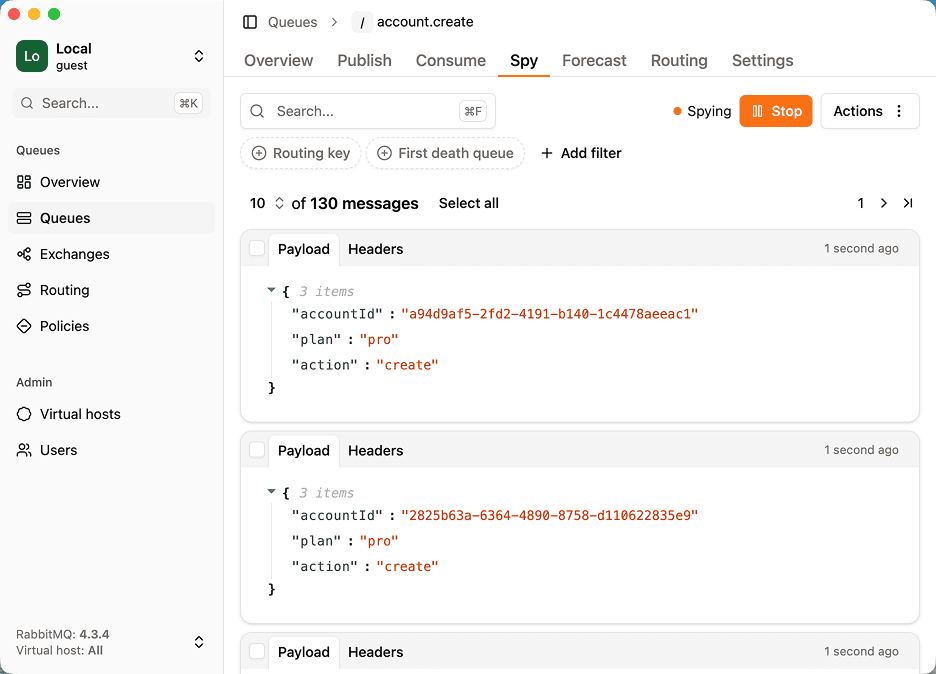
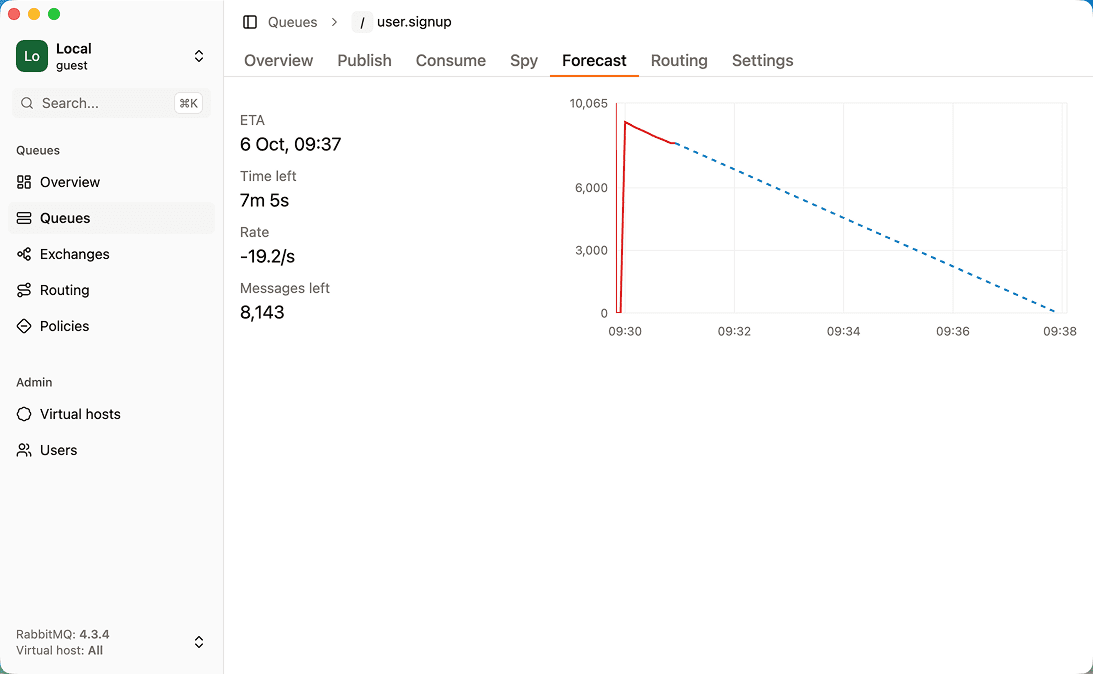
RabbitGUI is a desktop app for macOS, Windows and Linux that connects to your brokers through the management API. It focuses on day-to-day debugging: browsing and filtering messages, replaying dead letters, spying on live traffic, and visualizing routing.
Strengths
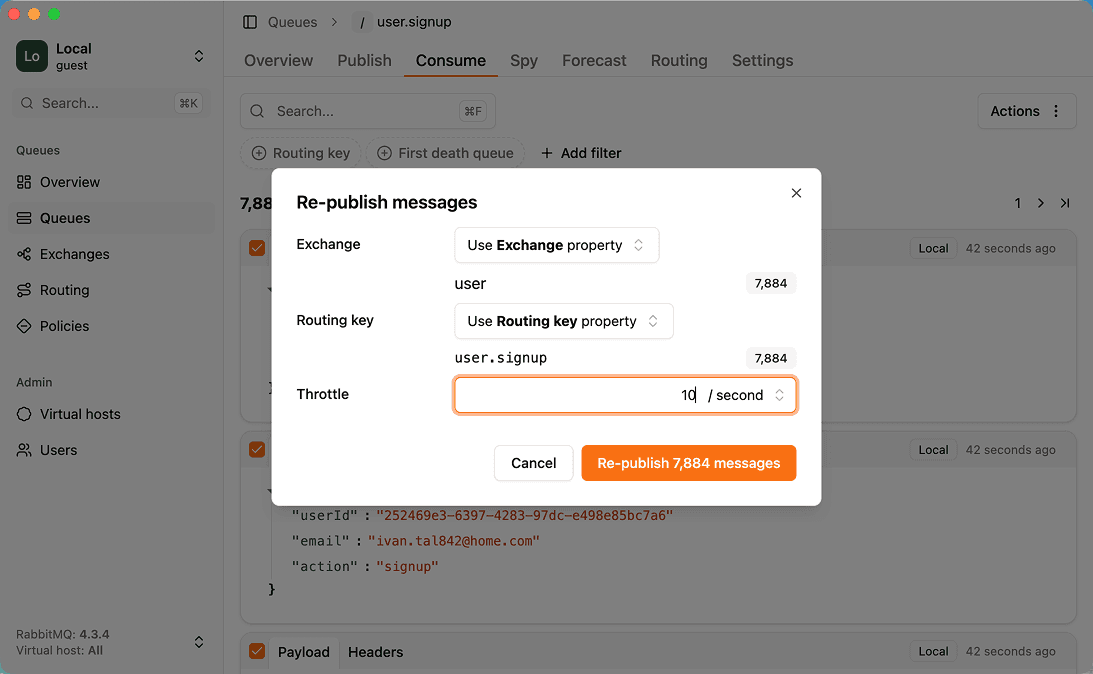
- Dead-letter workflow: inspect, filter and republish failed messages with throttling
- Non-destructive live spy on any queue
- Routing graph, drain-time forecast and policy debugger are unique among RabbitMQ tools
- Native app on macOS, Windows and Linux with nothing to deploy
- Low one-time price with free updates forever and a 30-day refund
Limitations
- Paid (no free tier or trial, a 30-day money-back guarantee instead)
- RabbitMQ only
- Needs the management plugin enabled, like most RabbitMQ tools
- Not a team-wide always-on dashboard: it runs on each developer machine
Best for: Developers who debug RabbitMQ queues, messages and dead letters regularly and want a fast desktop tool. See RabbitGUI in action.
2. QueueExplorer
Desktop app · Windows, macOS, Linux · $149 per computer (Standard) or $249 (Professional)
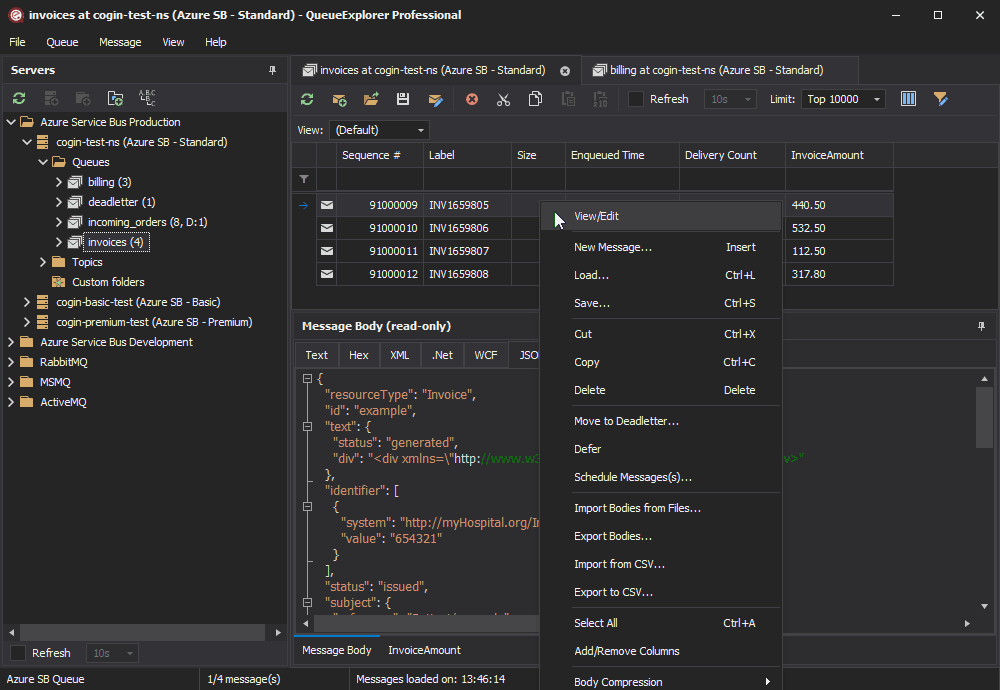
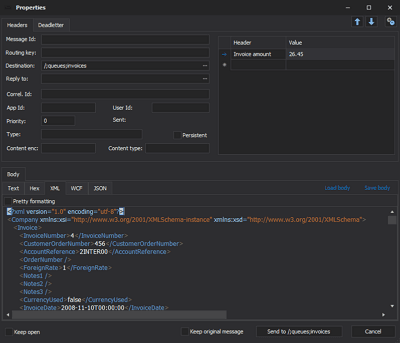
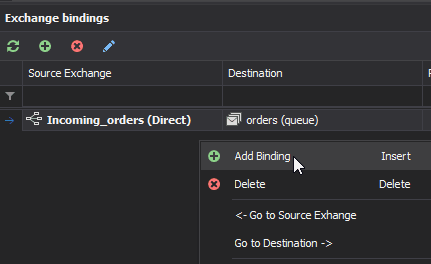
QueueExplorer by Cogin is a long-standing desktop tool for message-level work on several brokers. For RabbitMQ it loads queue messages progressively, browses streams by offset, filters on bodies and headers, and lets you edit, copy, move, save and replay messages.
Strengths
- Supports several brokers in one tool (RabbitMQ, Azure Service Bus, MSMQ, ActiveMQ)
- Mature message editing: edit, copy, move, save to files and reload
- Browses RabbitMQ streams by offset
- Free trial on every platform
Limitations
- Priced per computer: $149 (Standard) or $249 (Professional)
- Licence includes 12 months of updates, extra years are paid
- Advanced filtering (JSON/XPath/regex columns) requires Professional
- Focused on messages: no routing graph or drain forecast documented
Best for: Teams working with several message brokers, or who need heavy message editing and stream browsing. See QueueExplorer alternatives.
3. rabbitmqadmin
CLI · macOS, Windows, Linux · Free
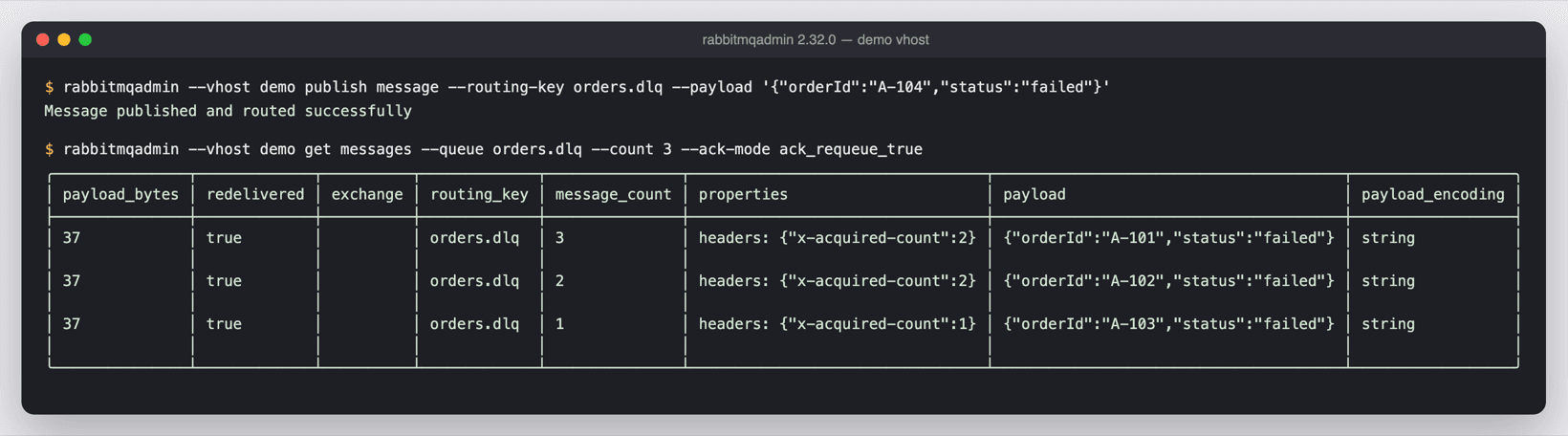
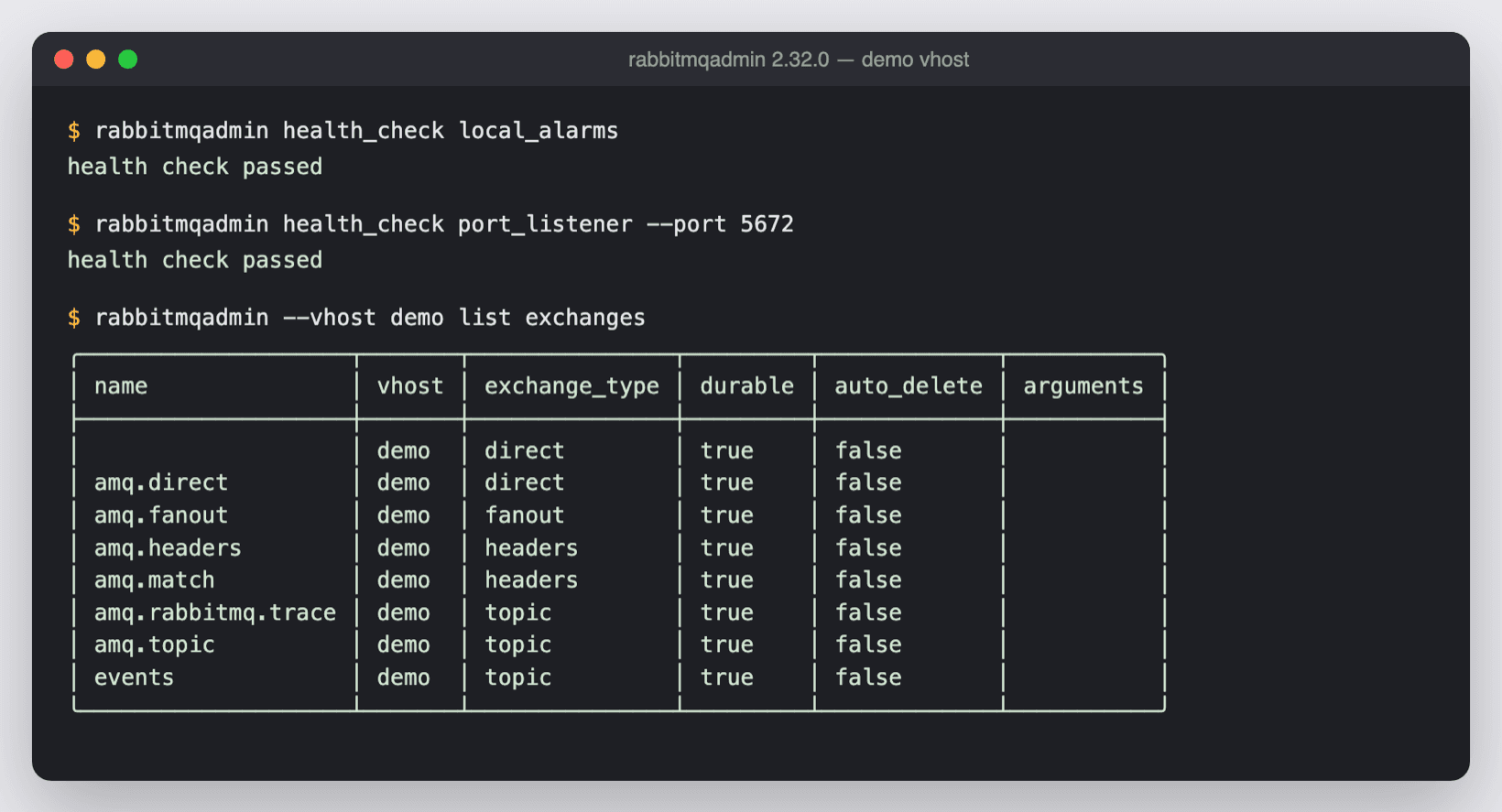
rabbitmqadmin is the official CLI for the RabbitMQ HTTP API. It lists and declares queues, exchanges and bindings, publishes and gets messages, and exports or imports definitions, which makes it ideal for scripts and CI.
Strengths
- Free and official
- Perfect for automation, CI and definitions import/export
- Works over SSH and in containers
Limitations
- Text output: inspecting payloads and routing is tedious
- Same destructive "get" as the Management UI
- No visual overview of routing or queue health
Best for: Scripting, CI pipelines and server-side automation. See rabbitmqadmin alternatives.
FAQ
RabbitGUI and QueueExplorer both run on macOS, Windows and Linux. rabbitmqadmin is a cross-platform CLI.
RabbitGUI is 29€ one-time with free updates forever. QueueExplorer is $149 (Standard) or $249 (Professional) per computer, with 12 months of updates.
More comparisons
Facts last verified on 2026-11-02. Sources: rabbitgui.com, Cogin: pricing, Cogin: RabbitMQ GUI, RabbitMQ docs: management CLI. Spotted something outdated? Email nicolas@tggl.io and we will fix it.