What are RabbitMQ streams?
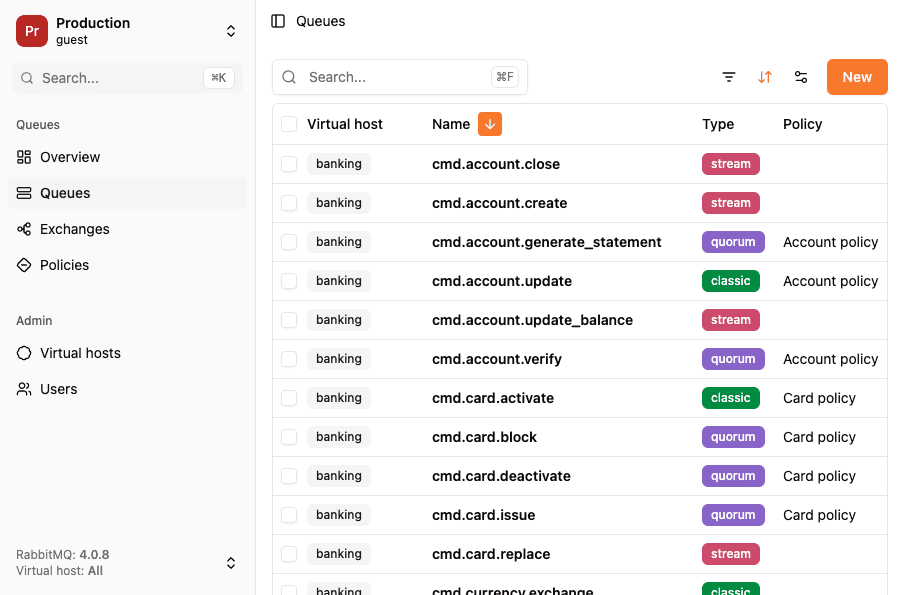
At its core, a stream in RabbitMQ is:
- A persistent, replicated data structure
- That functions like a message buffer (similar to queues)
- But stored and consumed in a fundamentally different way
- Modeled as an append-only log
- With non-destructive read semantics, messages aren’t removed when consumed.
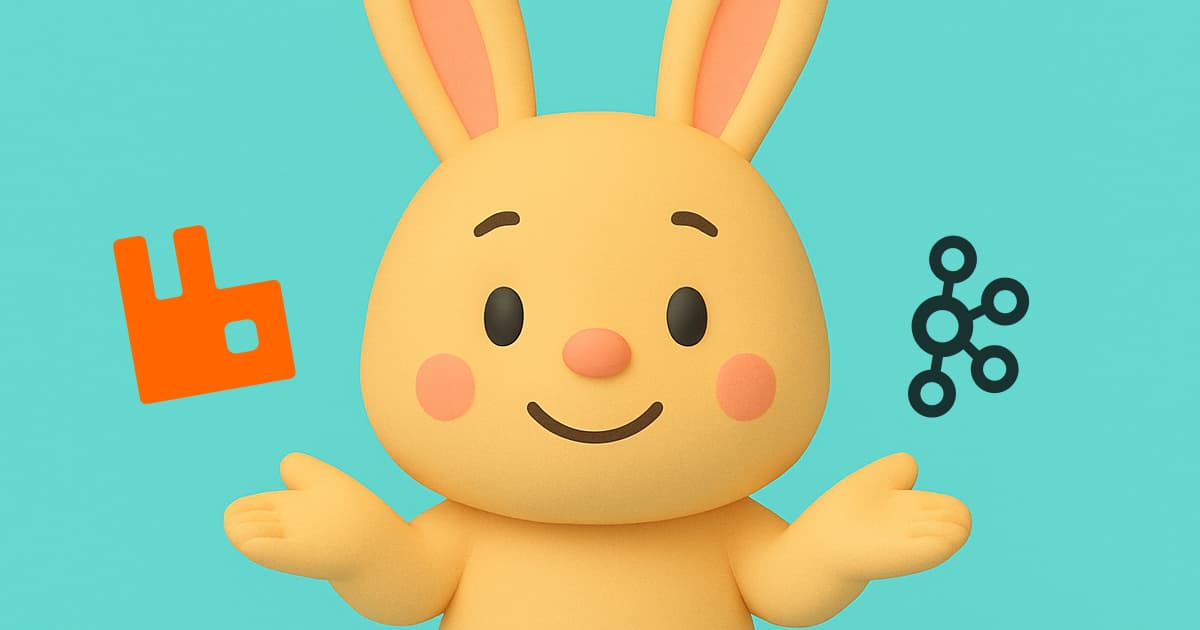
In other words, a stream logs every message to disk in the order they arrive, and consumers can read these messages as many times as they want, starting at any point in the log. This architecture is closer to what event streaming systems like Apache Kafka provide, but built natively into RabbitMQ. For a broker-level comparison of RabbitMQ and Kafka, see RabbitMQ vs Kafka.
Traditional queues vs. streams
The way queues and streams work is fundamentally different:
Message consumption
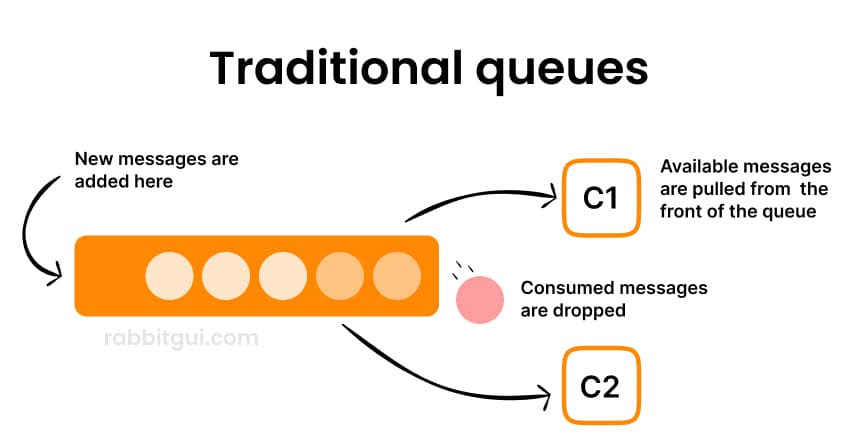
Consuming a message from a queue removes it from that queue. One consumer gets the message, it’s delivered, and that’s it.
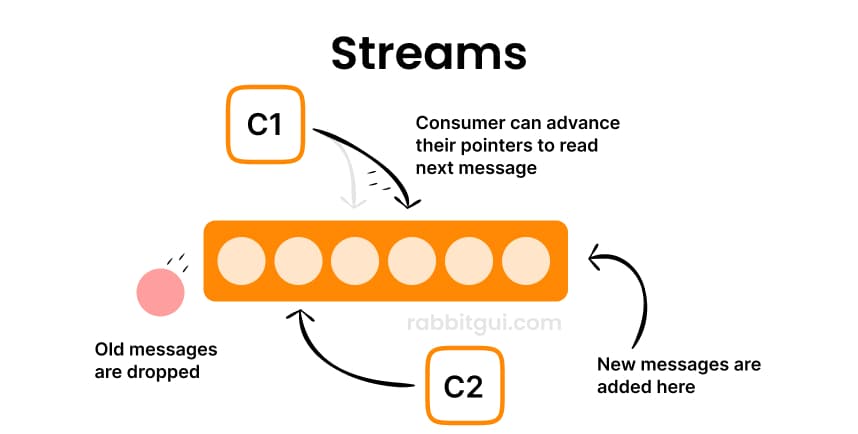
With streams, messages are not deleted when consumed. Multiple consumers can independently read the same message. Each consumer simply increments the index they are reading from.
Data retention
Messages disappear from queues when processed. With streams, messages remain until retention policies (e.g., age or total size) expire them, regardless of consumption.
Access model
With traditional queues, consumers receive messages via acknowledgment-based delivery. Streams use offset-based reads: consumers pick an offset and read from that point forward.
Performance and throughput
Streams are designed for very high throughput, optimized with dedicated protocols and disk-based persistence.
Multiple consumers
With queues, each message goes to one consumer, unless you use many separate queues. But with streams, multiple consumers can read the same log independently, without needing separate infrastructure.
When should you use streams?
Streams do not replace traditional queues inside RabbitMQ, instead they complement them and shine in several specific scenarios:
Large fan-out scenarios
If many services need to read the same message, streams let every consumer read from the same log. With queues, you’d need a separate queue and binding for each consumer, which quickly becomes inefficient at scale.
Replayability & time-travel
Because stream messages are retained after consumption, consumers (or new services) can replay messages or start reading from any point in time. This is useful for debugging, auditing, or rebuilding state.
High throughput & large backlogs
Streams are designed to store large quantities of data efficiently on disk and handle high ingest rates, making them suitable for big data pipelines and high-volume event processing.
Event-driven & real-time data pipelines
Use cases like event sourcing, log aggregation, and real-time analytics benefit from a log-based model where applications read at their own pace and replay if needed.
Where queues still fit best
Traditional RabbitMQ queues remain ideal when:
- You need simple point-to-point messaging
- You’re handling work distribution among workers
- You rely on familiar AMQP queue semantics
- You don’t need history or multi-consumer replay
Queues are simpler to reason about and still unmatched for many classic messaging patterns. Streams don’t replace them, they expand what RabbitMQ can do.
A complementary messaging model
Streams in RabbitMQ blur the line toward event streaming platforms but keep the strength of RabbitMQ’s ecosystem. They offer:
- Persistent, replicated logs
- Offset-based, non-destructive consumption
- Support for high throughput
- Flexible retention and replay capabilities
All while coexisting with traditional queues and exchanges inside the same broker.